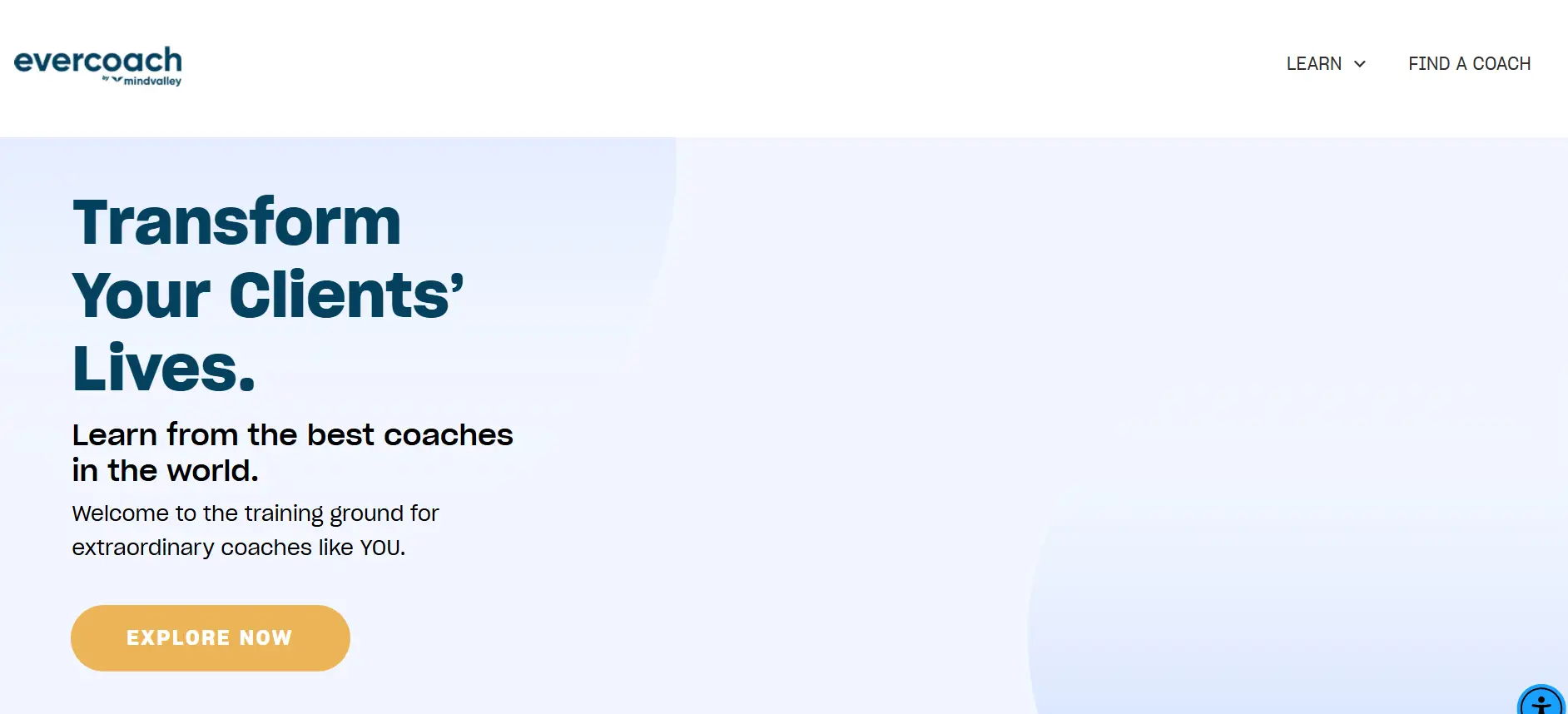
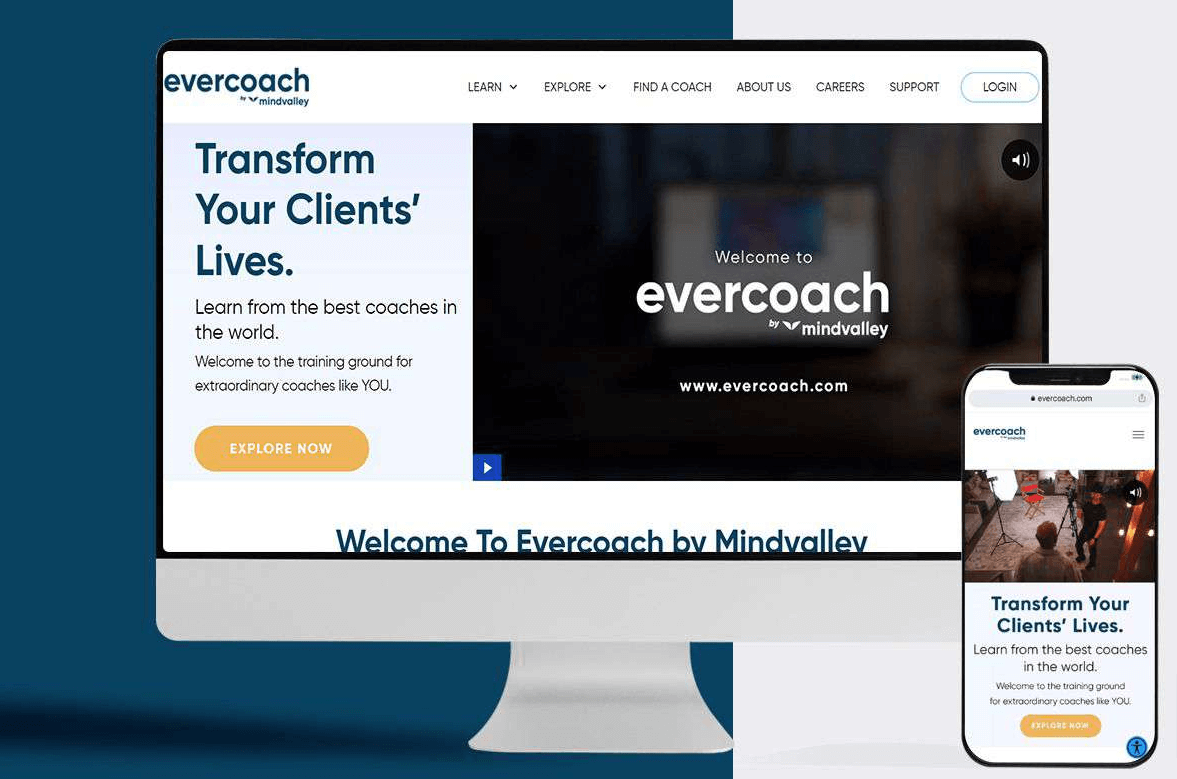
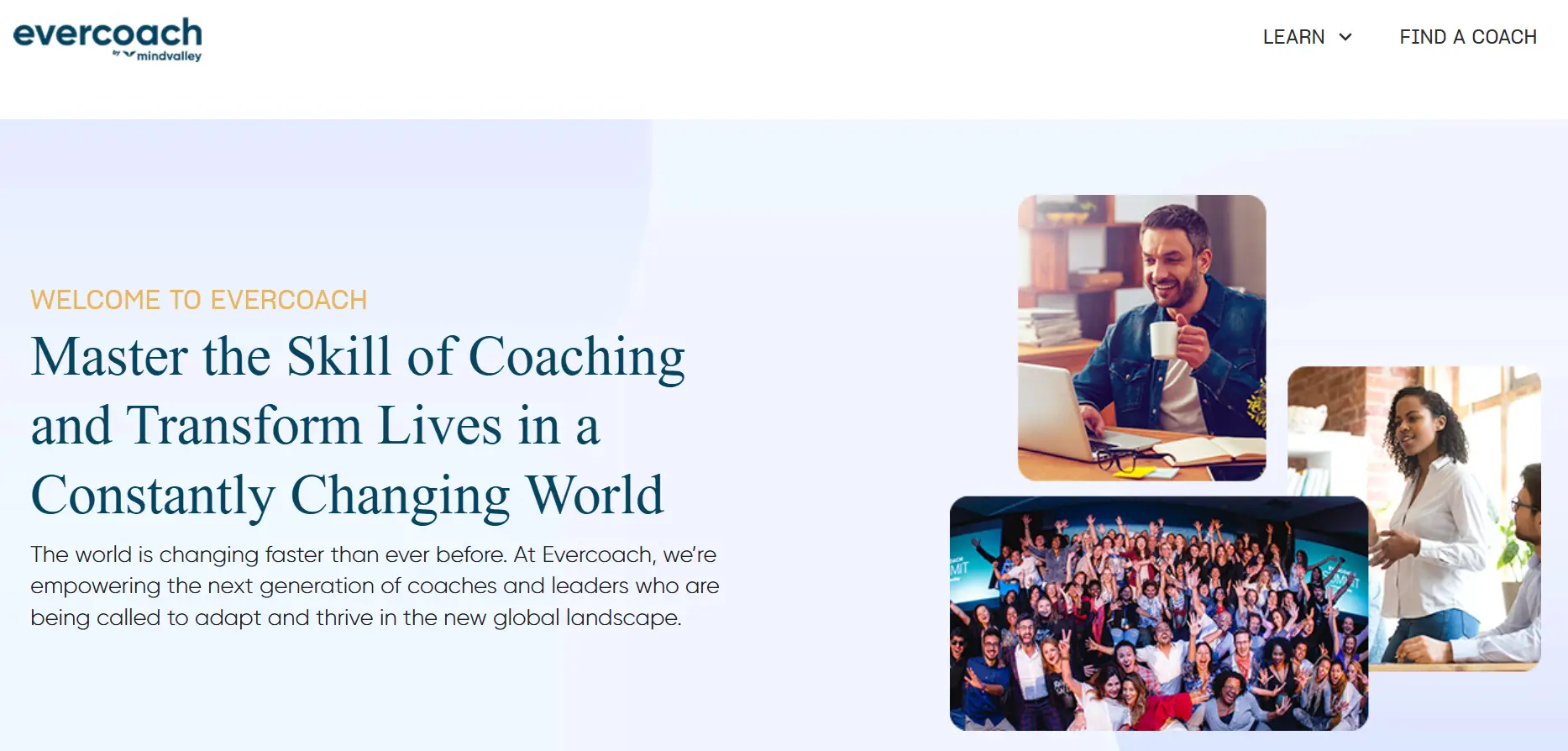
Evercoach is a platform that supports coaches, mentors, and entrepreneurs in their personal and professional growth. With various tools and resources available, Evercoach aims to help individuals unlock their full potential and achieve their goals. With its community, courses, coaching programs, and tools, Evercoach provides the support and resources needed to achieve success and fulfilment in coaching and entrepreneurship.
What coaching and online learning communities need from a website
A coaching community sells more than courses. It sells belonging, progress and access to people who have walked the same road. The website has to show that value quickly, then guide each visitor toward the program or membership that suits them.
Members return often, so the experience after sign-up counts as much as the landing pages. Lessons, live sessions, templates and community threads should sit within easy reach of one another. When learners can pick up where they left off, they stay engaged for longer.
Features coaching platforms like this usually offer
- Social and email sign-up, so new members can join in seconds and finish their profile later.
- A course library with video lessons, worksheets and progress tracking for every program a member owns.
- Membership tiers that unlock different content, live calls or community spaces depending on the plan.
- Live session scheduling with reminders, replays and time-zone handling for a worldwide audience.
- Community spaces such as forums or groups where coaches share wins, ask questions and find accountability partners.
- Downloadable templates and tools that members can use straight away with their own clients.
- Certification paths that track completed modules and issue a certificate once the requirements are met.
- Checkout and subscription billing that handles trials, renewals, upgrades and cancellations without manual work.
- Personalised recommendations that point members to the next course based on what they have already finished.
Build considerations for a coaching and course platform
WordPress with PHP and MySQL is a sensible base for a learning community, since marketing pages and course content can share one editor. A learning management plugin or custom post types carry the course structure, and JavaScript adds interactive progress bars and quizzes. Choosing extensions that are actively maintained avoids painful migrations later.
Video is usually the heaviest part of the product. Streaming lessons through a dedicated video host keeps pages fast and protects paid content from casual sharing. Caching, lazy-loaded media and a content delivery network help members on slower connections.
Member data needs careful handling. Login should support social accounts and secure password resets, and payment details should stay with the payment provider. Privacy settings, consent records and clear data policies matter when the audience spans many countries.
Accessibility deserves a place in the plan too. Captions on videos, readable transcripts and keyboard-friendly navigation make lessons usable for more learners. A responsive layout lets members study on a phone during a commute and on a laptop at home.
Keeping members engaged after they join
Retention is where most coaching businesses win or lose. Welcome sequences, a guided first week and a visible next step help new members build a habit early. Small wins, such as finishing a first module, deserve a quick note of encouragement.
Community features carry much of that weight. Member spotlights, peer challenges and regular live Q&A sessions give people a reason to log in beyond the lessons. Hosts who reply quickly in the group set a friendly tone that others tend to copy.
Analytics close the loop. Tracking which lessons people finish, where they drop off and which offers lead to upgrades shows the team what to improve next. Those insights guide new courses far better than guesswork.
Selling programs without pressure
Sales pages for coaching programs work best when they show the path, not just the promise. An outline of modules, sample lessons and honest notes about the time each week requires help visitors judge fit. Free previews or a short starter course let people try the teaching style first.
Checkout should stay short and clear. Plan options described side by side, a visible refund policy and secure payment fields reduce hesitation at the final step. Follow-up emails can then welcome new members and point them to their first lesson.
What to plan before you start
- Programs at launch: pick the first courses and membership levels, then add more once real members show what they value.
- Content production: recording, editing and writing course material often takes longer than building the platform itself.
- Community rules: decide how groups are moderated and who answers member questions before the doors open.
- Budget tier: a course site with simple memberships fits the entry tier, while live sessions, certification and custom community features push it toward the mid or upper tier.
- Timeline factors: the number of programs, billing complexity and any mobile app plans shape the schedule.
- Ongoing care: budget for updates, backups, uptime checks and regular content refreshes so the library stays current.
Planning something similar?
EchoInnovate IT builds learning platforms and membership sites, backed by 12+ years of work and a 5.0 rating on Clutch across 6 reviews. See our education app development and WordPress development services for the details. Book a quick scoping chat about your programs, and you will get a fixed quote for the build afterwards.