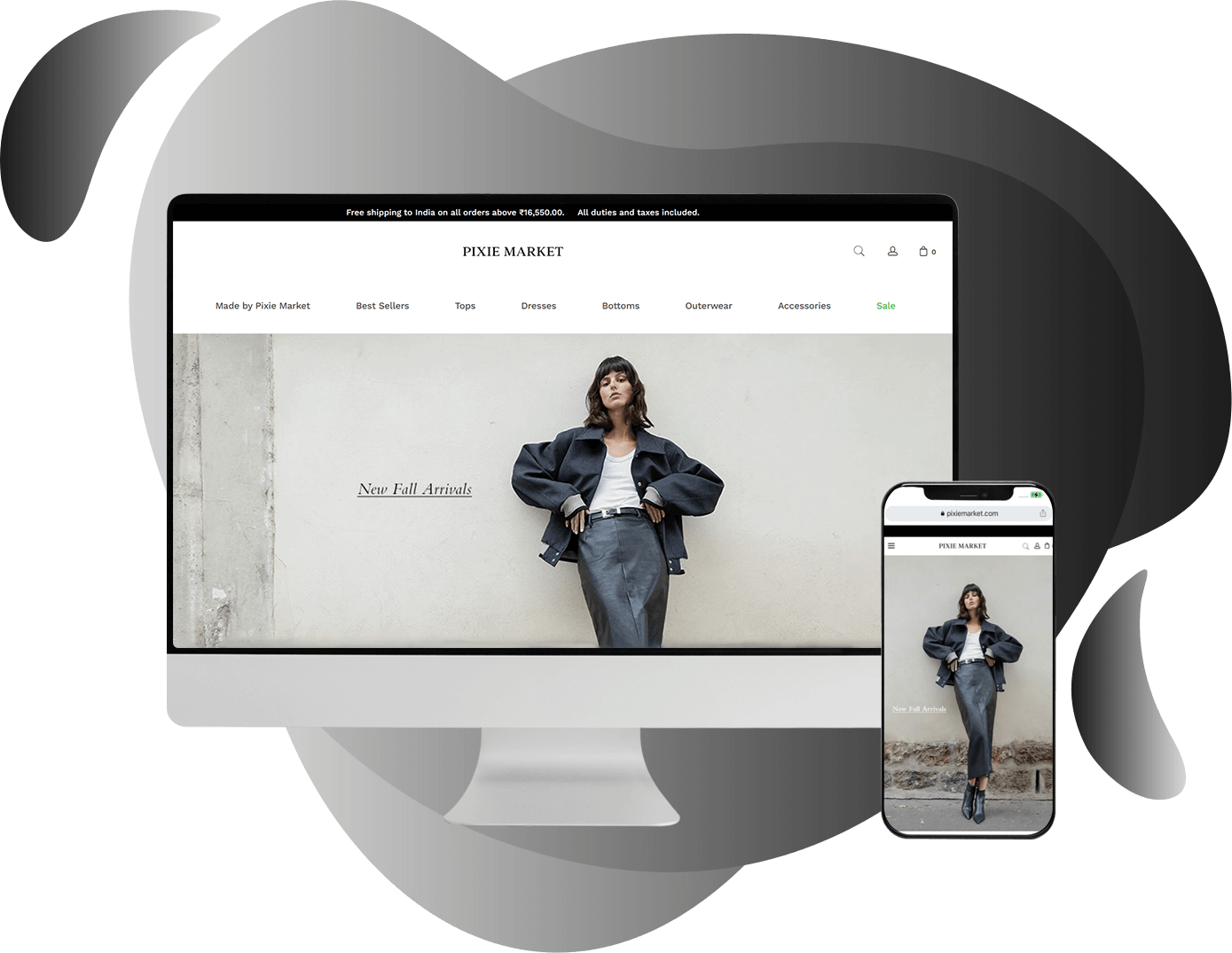
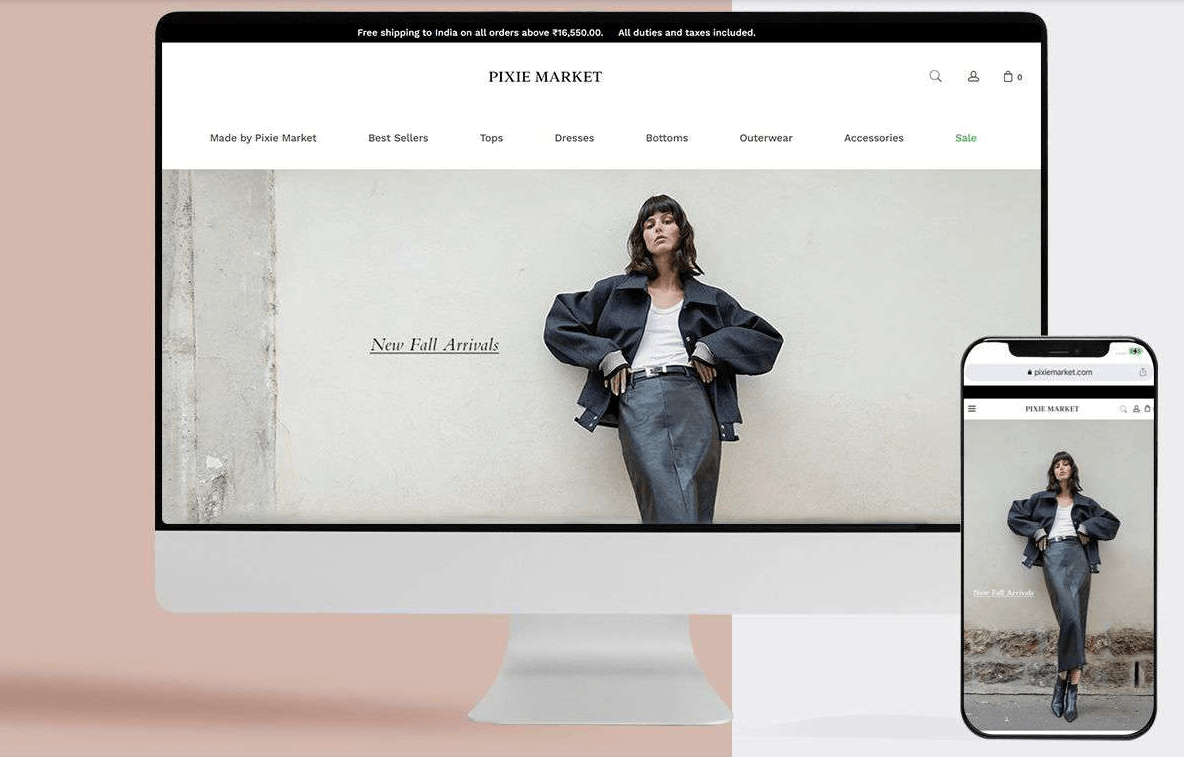
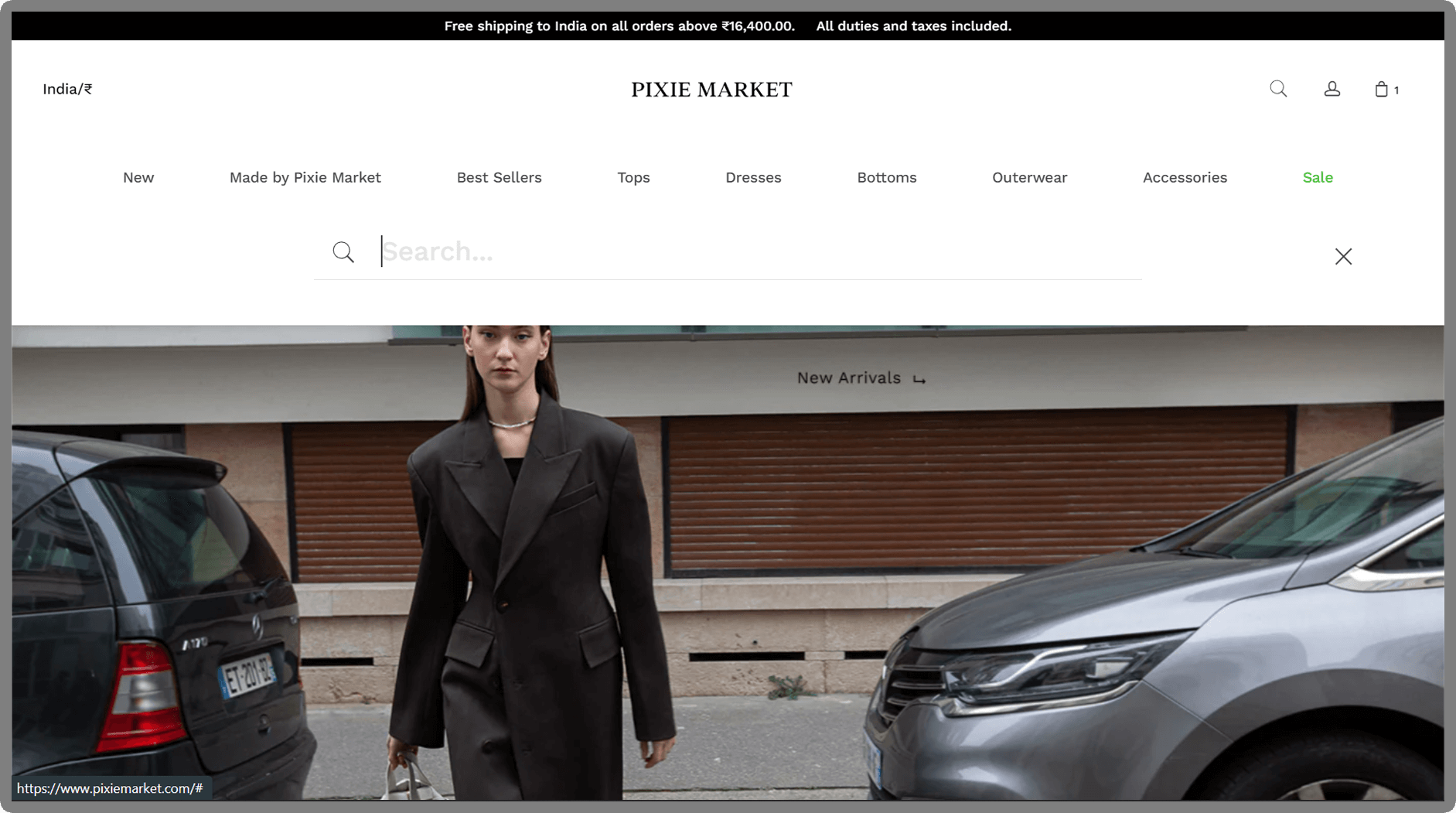
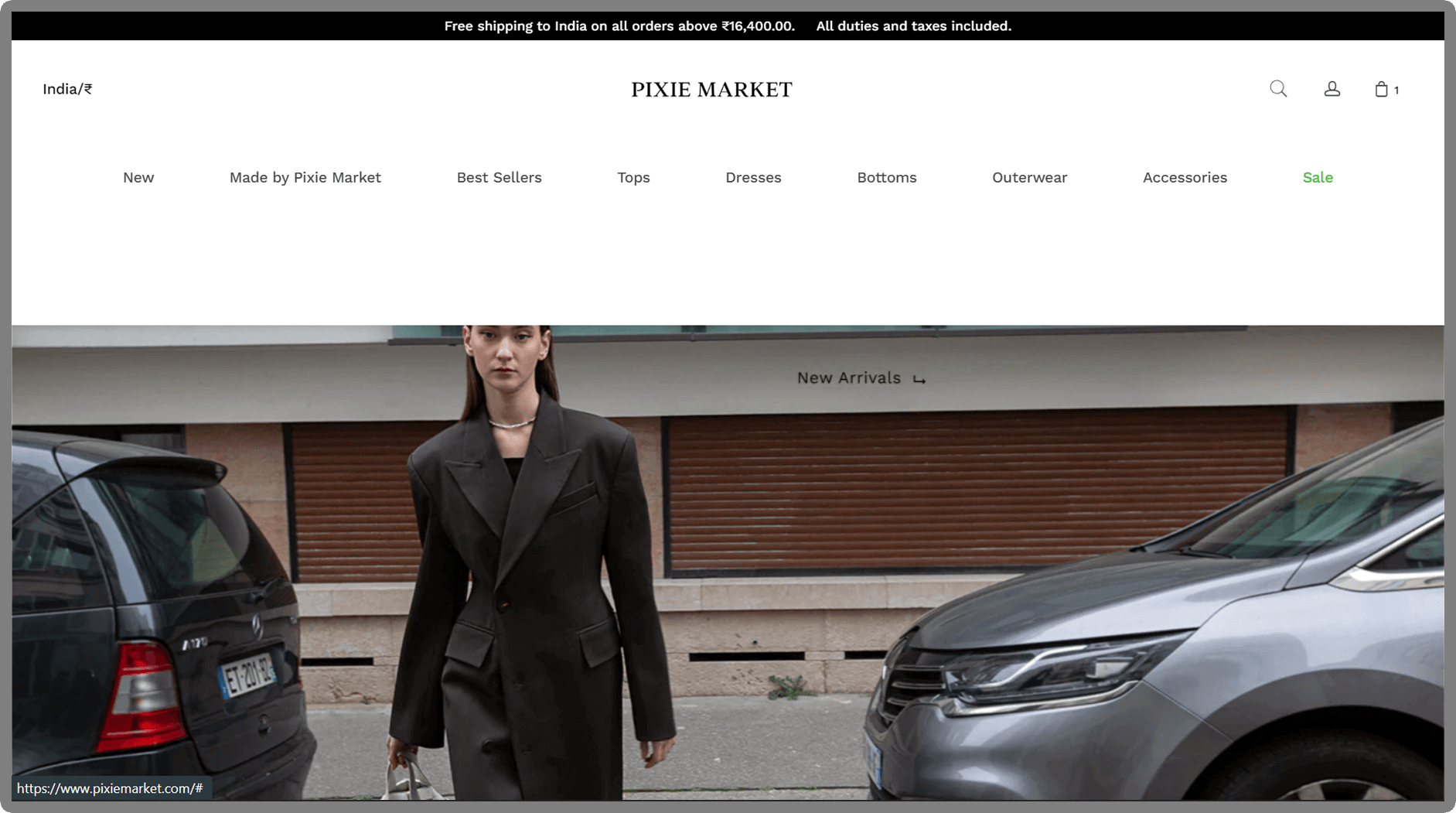
Upon launching the app, users are greeted with two main categories: Men and Women. Upon selecting either, a range of subcategories becomes accessible, allowing users to choose from options such as tops, bottoms, accessories, and more for a smooth shopping experience.
What a large online fashion retailer needs. A pure online retailer has no shop floor to fall back on. The website is the store, the fitting room and the customer service desk in one place.
With a wide catalogue for men and women, navigation becomes the main design problem. Shoppers need to narrow thousands of items down to a handful quickly.
Trust matters just as much. Clear delivery information, secure payment and easy returns turn a casual browser into a repeat buyer.
Features an online fashion store of this size usually needs:
- Mega menus by department so tops, bottoms, shoes and accessories are one tap away.
- Faceted filters for size, colour, price band, brand and fit, applied without reloading the page.
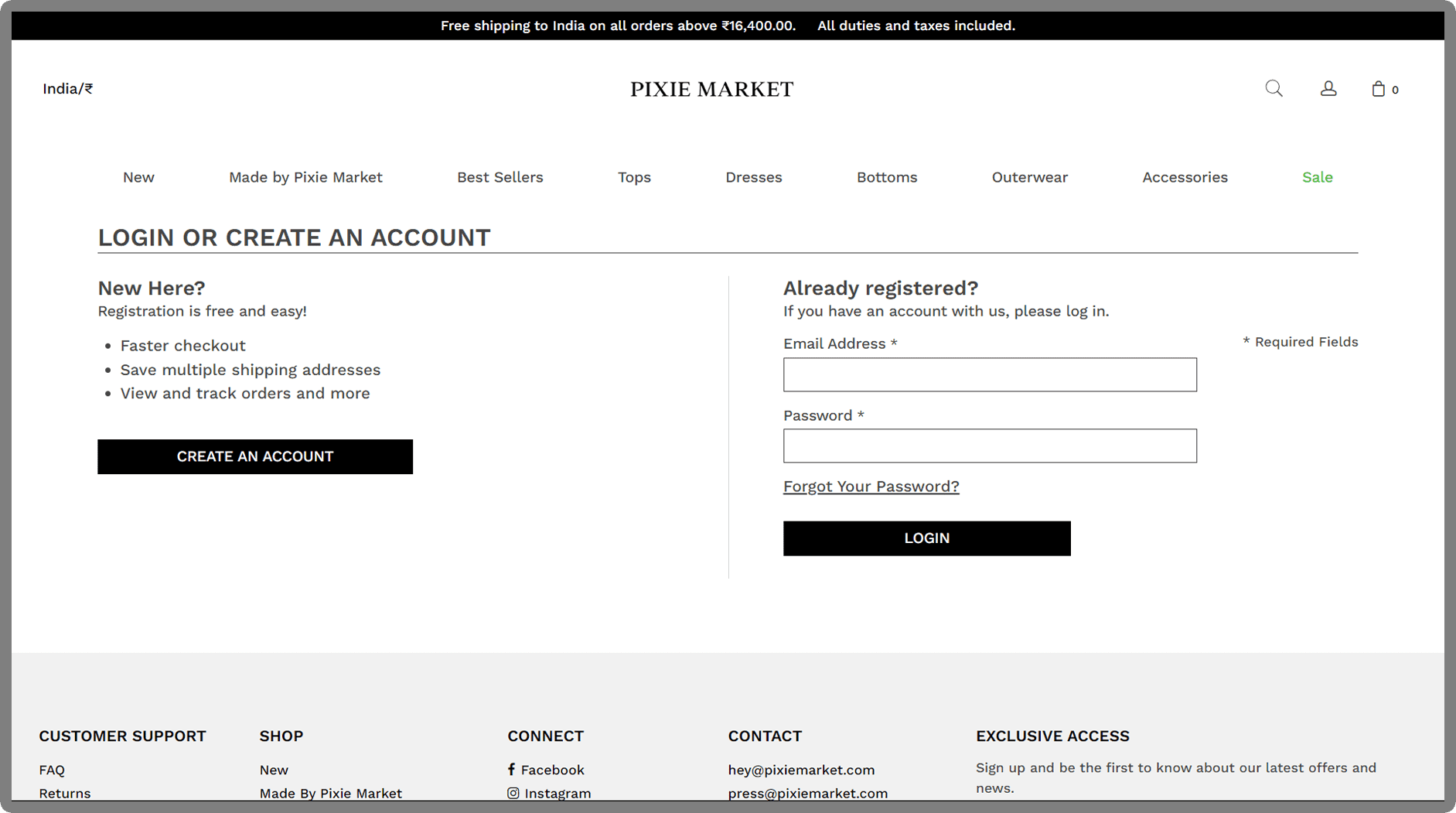
- Social and email sign-in to shorten account creation for new customers.
- Saved addresses and order history that make the second purchase quicker than the first.
- Recently viewed items to help shoppers return to something they nearly bought.
- Product recommendations such as “complete the look” or “similar styles” on each product page.
- Promo codes and bundles managed by the marketing team rather than by developers.
- Order tracking and returns portal that cut down on support emails.
Build considerations on Shopify. Shopify scales well for a big catalogue, and its checkout is maintained and secured by the platform. A custom theme lets the retailer keep its own look while the core shopping logic stays stable.
A content delivery network such as Cloudflare in front of the store adds caching and a security layer. It also helps pages load faster for shoppers far from the origin server.
Speed needs ongoing care with a large range. Compressed images, few third-party apps and lean theme code keep category pages quick on mobile networks.
Catalogue structure shapes everything else. Agree product types, tags and collection rules before building, so filters and search stay accurate as stock grows.
Accessibility should be tested on real pages, not just the template. Filters, size pickers and the cart drawer all need keyboard and screen-reader support.
What to plan before a redesign. Start by listing the problems shoppers face today, using analytics, support emails and checkout drop-off points. Those findings set priorities for the new build.
Keep the first release focused on browsing, search, account and checkout. Extras like loyalty points, live chat or a mobile app can come in a later phase.
For a retailer this size, spend tends to sit in one of three tiers. Custom design, catalogue migration and the apps to connect decide which one. Timelines depend on data clean-up as much as on code.
Plan redirects for every old URL that changes. After launch, schedule regular checks on speed, broken links and app updates so the store stays reliable through busy seasons.
Designing for mobile shoppers. Most fashion browsing happens on a phone, often in short sessions. Thumb-friendly filters, a sticky add-to-bag button and a short checkout all help those quick visits end in an order.
Product images should swipe smoothly and zoom without lag. A size picker that sits right under the price keeps the key decision in view.
Keep pop-ups to a minimum on small screens. A single, easy-to-close sign-up offer is usually enough.
Running sales and drops without stress. Flash sales and new-season launches bring sudden traffic. Test the store under load, freeze theme changes in the days before a big event and keep a rollback plan ready.
Automatic discounts and scheduled collections let the marketing team prepare campaigns in advance. Everything can then go live at the right minute without anyone editing pages by hand.
Search engine basics for a fashion catalogue. Unique product descriptions beat copied supplier text every time. Descriptive collection pages, clean URLs and structured product data help search engines understand the range.
Out-of-stock products need a plan. Keep popular pages live with a restock note, or redirect discontinued items to the closest collection rather than showing an error page.
Keeping the catalogue healthy. A large range collects problems over time: missing photos, duplicate products and outdated tags. A monthly catalogue review catches these before shoppers notice them.
Bulk editing tools and import templates help the merchandising team update hundreds of items at once. Clear naming rules keep new products consistent with the old ones.
Archive old seasons rather than deleting them. That keeps order history intact and lets the team reuse photos or descriptions for future reissues.
Protecting customer accounts. Social sign-in reduces password fatigue, but every login route needs the same care. Rate limits, account alerts for new devices and clear privacy settings all help shoppers feel safe.
Collect only the personal data the store really needs. A short, readable privacy notice explains how addresses and order details are used.
Abandoned-cart emails can win back shoppers who left mid-checkout. Keep them friendly, show the items they left and link straight back to the basket.
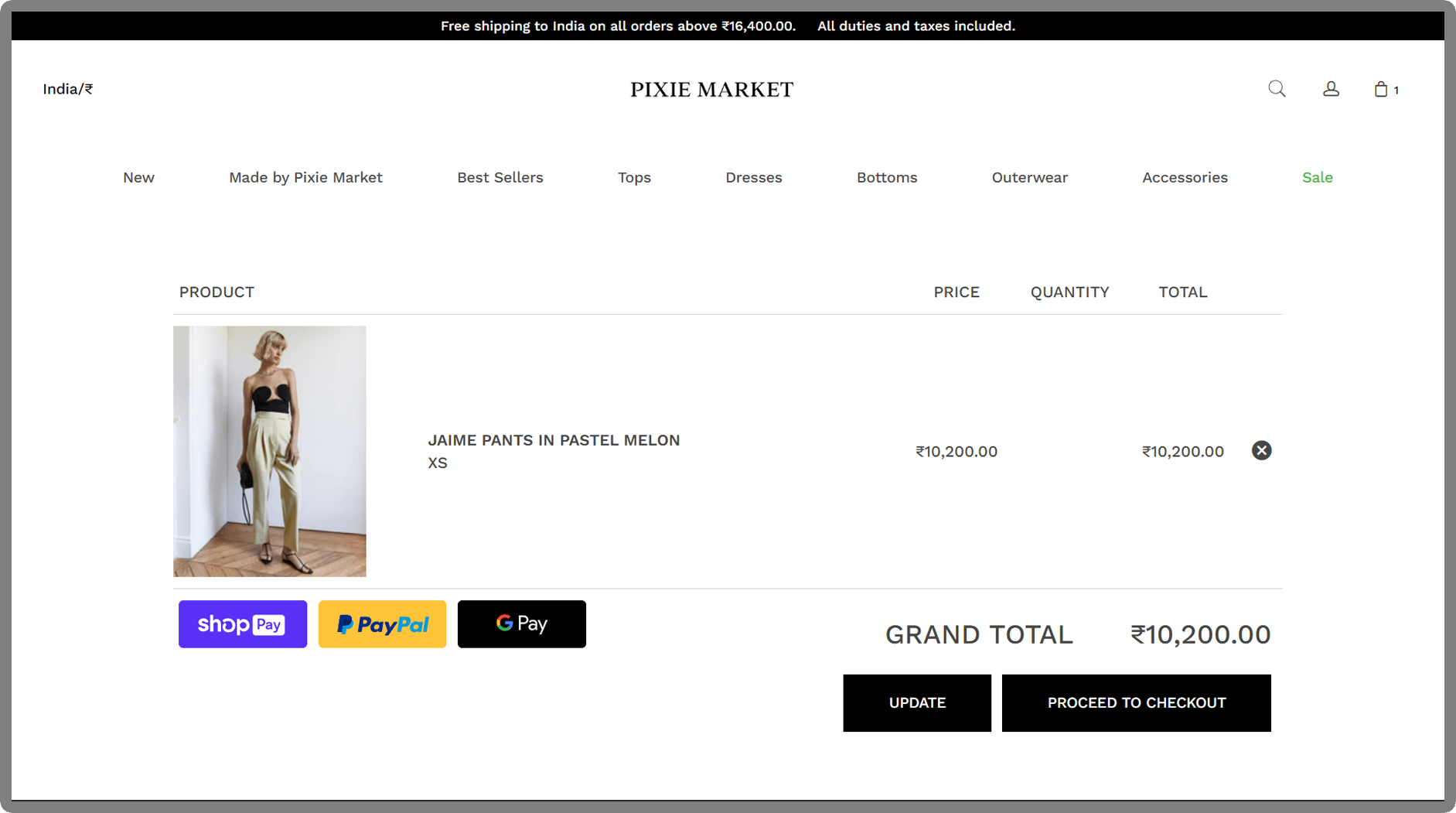
A clear delivery and returns summary in the cart drawer answers last-minute doubts without sending people off to another page.
Planning a fashion store of your own? EchoInnovate IT has built stores for retail brands for 12+ years and is rated 5.0 on Clutch across 6 reviews. See our Shopify development work and UI/UX design services.
Book a quick chat about your catalogue and goals. When we’ve agreed what’s in scope, you receive a fixed quote.