Results
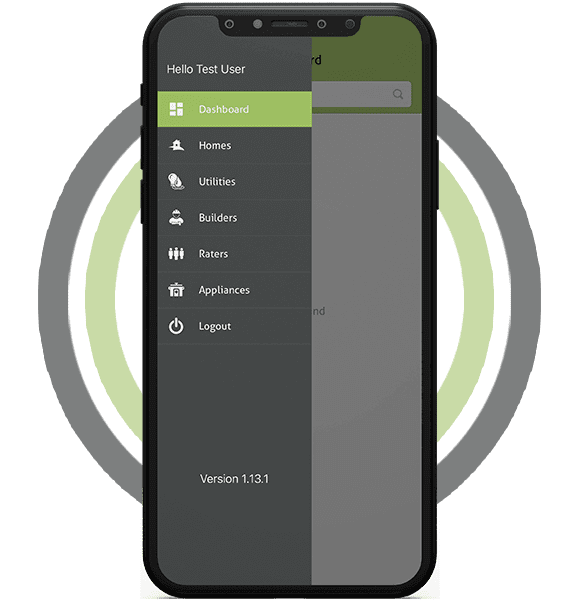
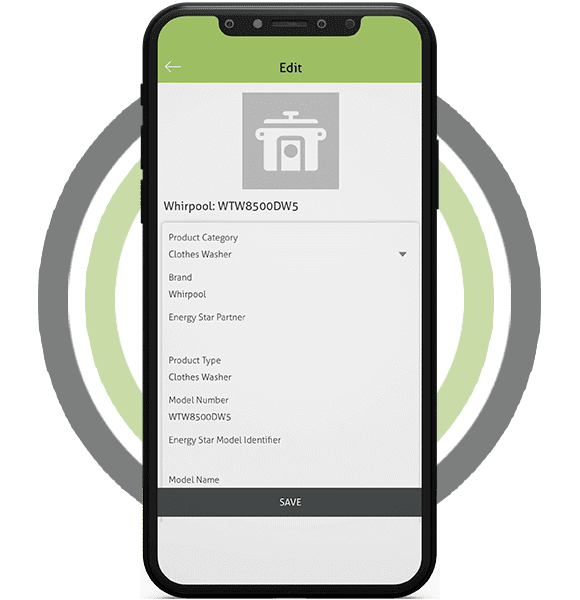
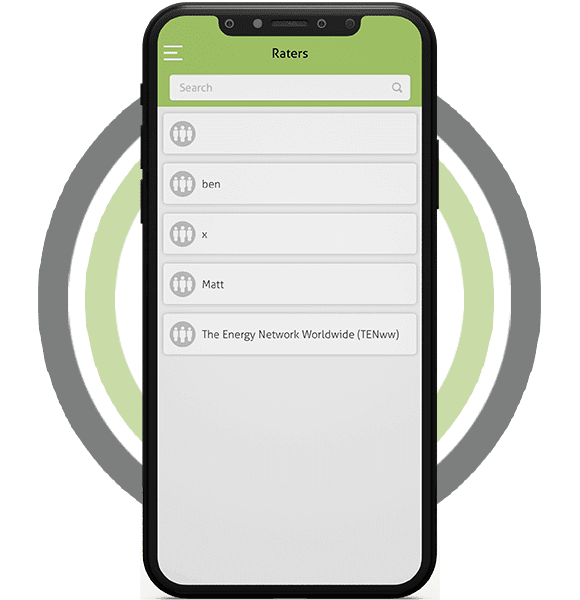
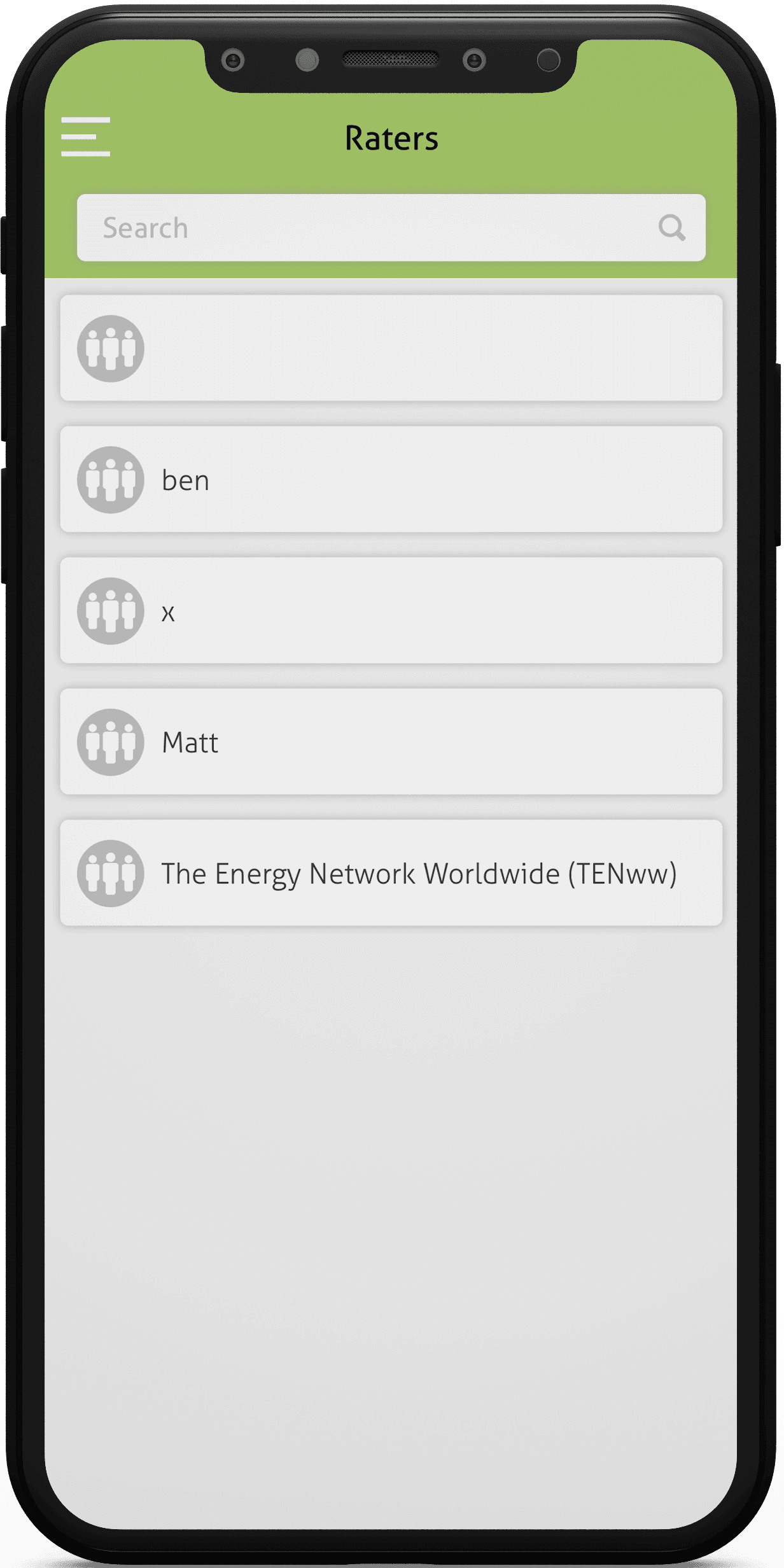
The customer adored the app’s user experience and the new functionality that were introduced.
Raterflow has thousands of users, and everyone is enthusiastic about the idea. Additionally, we regularly update the software based on user feedback.
Why energy raters and inspectors use field apps
Home energy raters and site inspectors collect a lot of detail on every visit: wall types, window sizes, insulation, equipment models and test readings. On paper or in loose spreadsheets, that data is slow to enter and easy to lose.
A field data app puts the whole inspection on a tablet or phone. The rater fills in structured forms on site, adds photos, and the office sees a complete record without retyping anything.
For a rating company, that means faster turnaround on reports and fewer return visits to recheck a missed measurement. It also makes it easier to manage many builders and jobs at once.
Features field inspection apps usually include
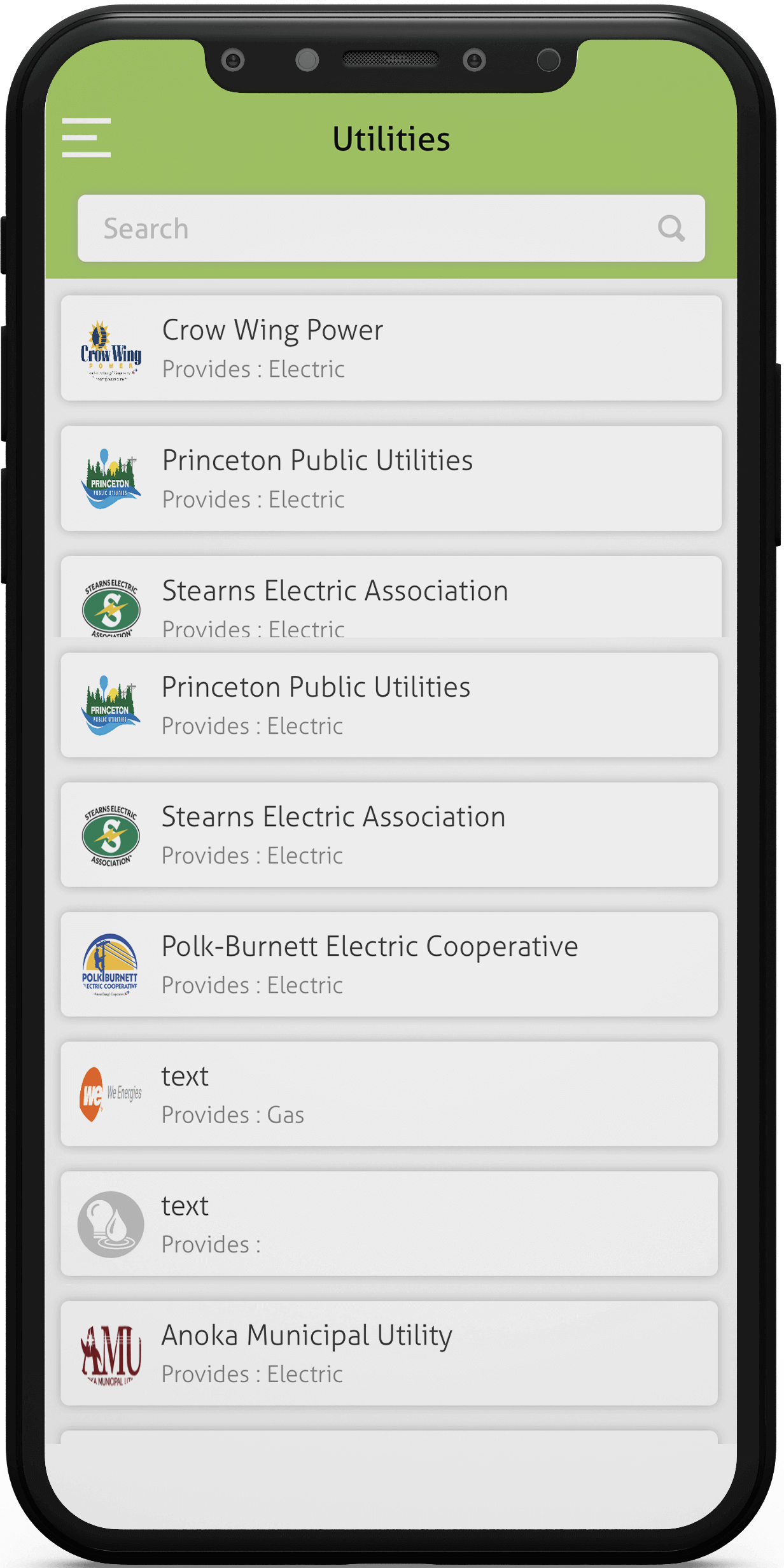
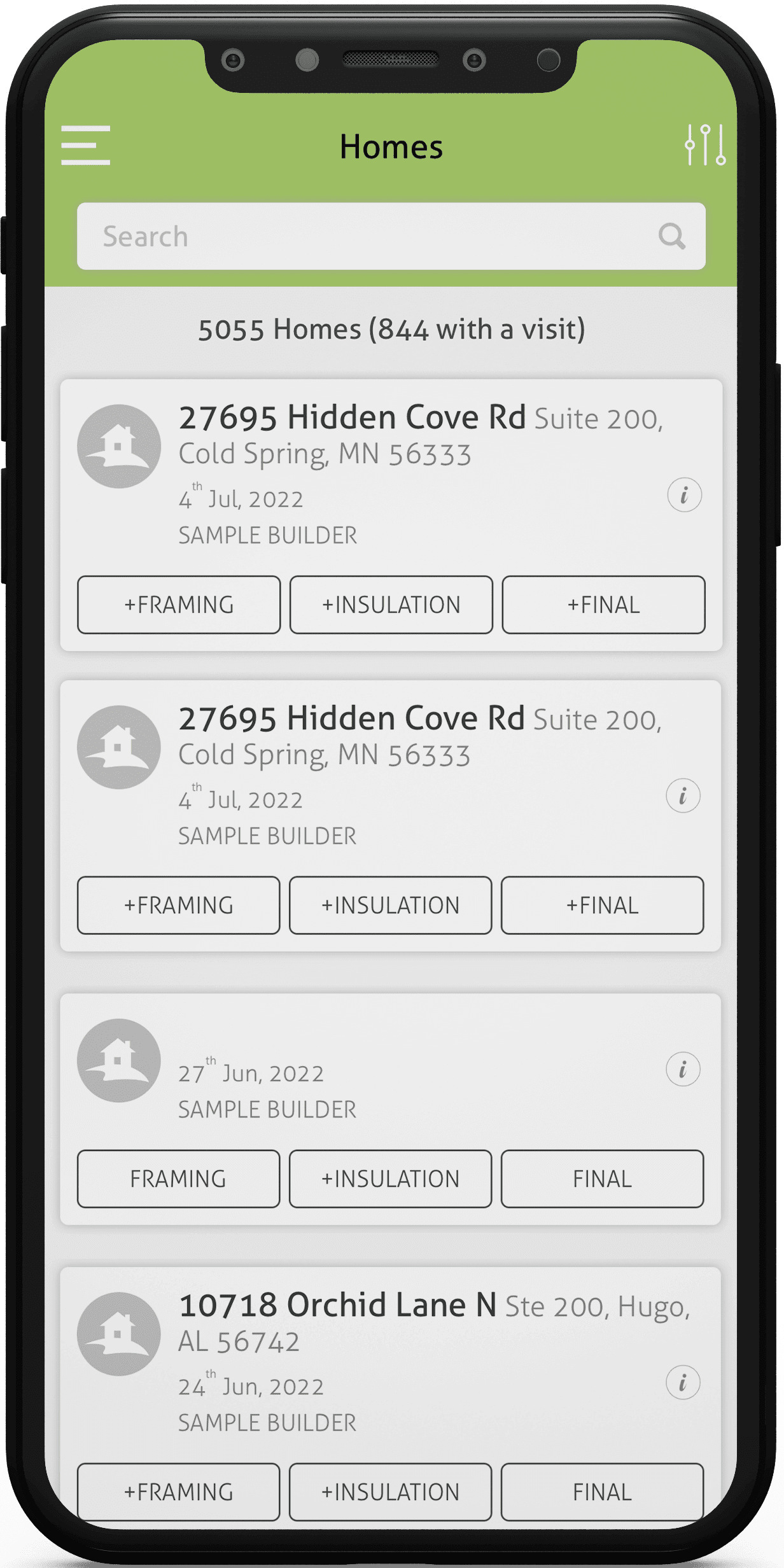
- Job lists synced from the office, showing address, builder, job sponsor and inspection type for each visit.
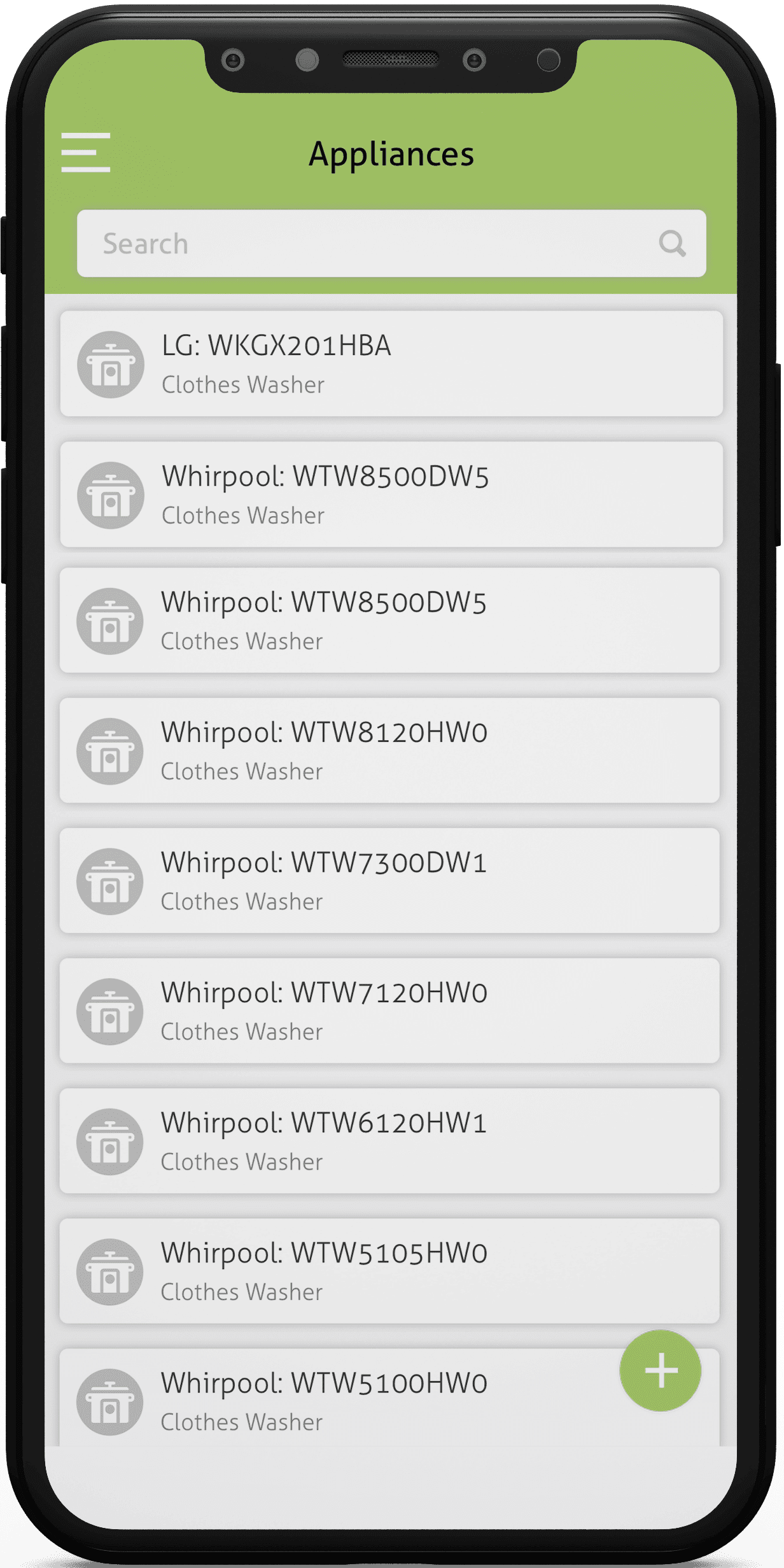
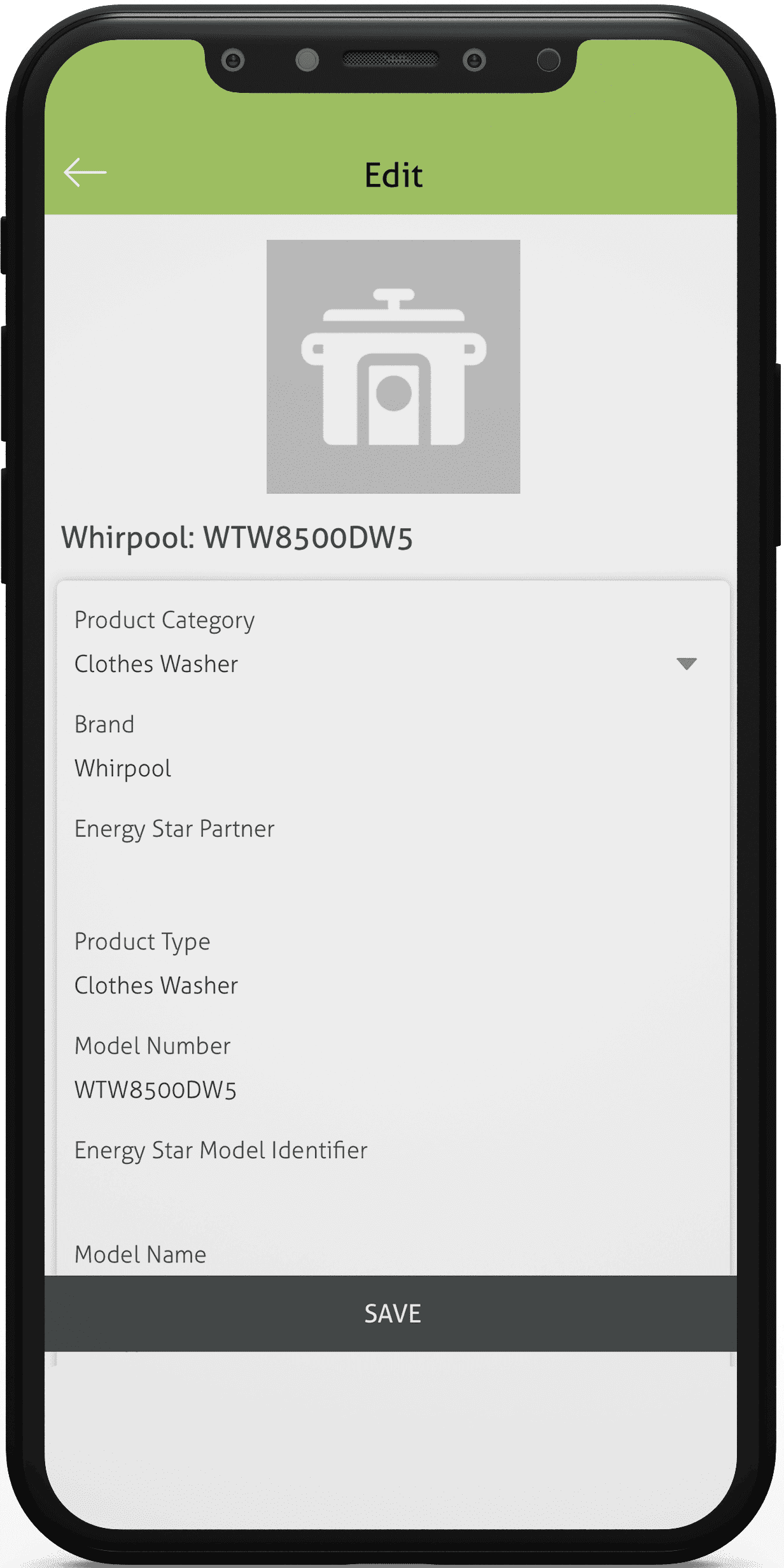
- Structured forms per building component, with dropdowns and validation so values stay consistent across raters.
- Reusable templates for common house plans, so repeated data is entered once and copied to similar jobs.
- Support for several buildings, floors and zones within one project, each with its own readings.
- Photo capture tied to a specific form field, with notes and automatic time and location stamps.
- Offline mode that saves everything on the device and syncs when a connection returns.
- A summary view of the whole home, pulling component data together so raters can review it before leaving.
- Role-based access for raters, reviewers and admins, plus a history of who changed which value.
- Exports or integrations with rating software and report templates, so results flow into final documents.
Build considerations for professional data-collection tools
Professional users judge an app on speed. Forms should open instantly, keep the cursor where the rater expects it and support quick entry with number pads, defaults and copy-from-previous buttons.
Offline reliability is the biggest technical question. Crawl spaces, basements and new builds often have no signal, so the app needs a local database, conflict handling and a clear sync status.
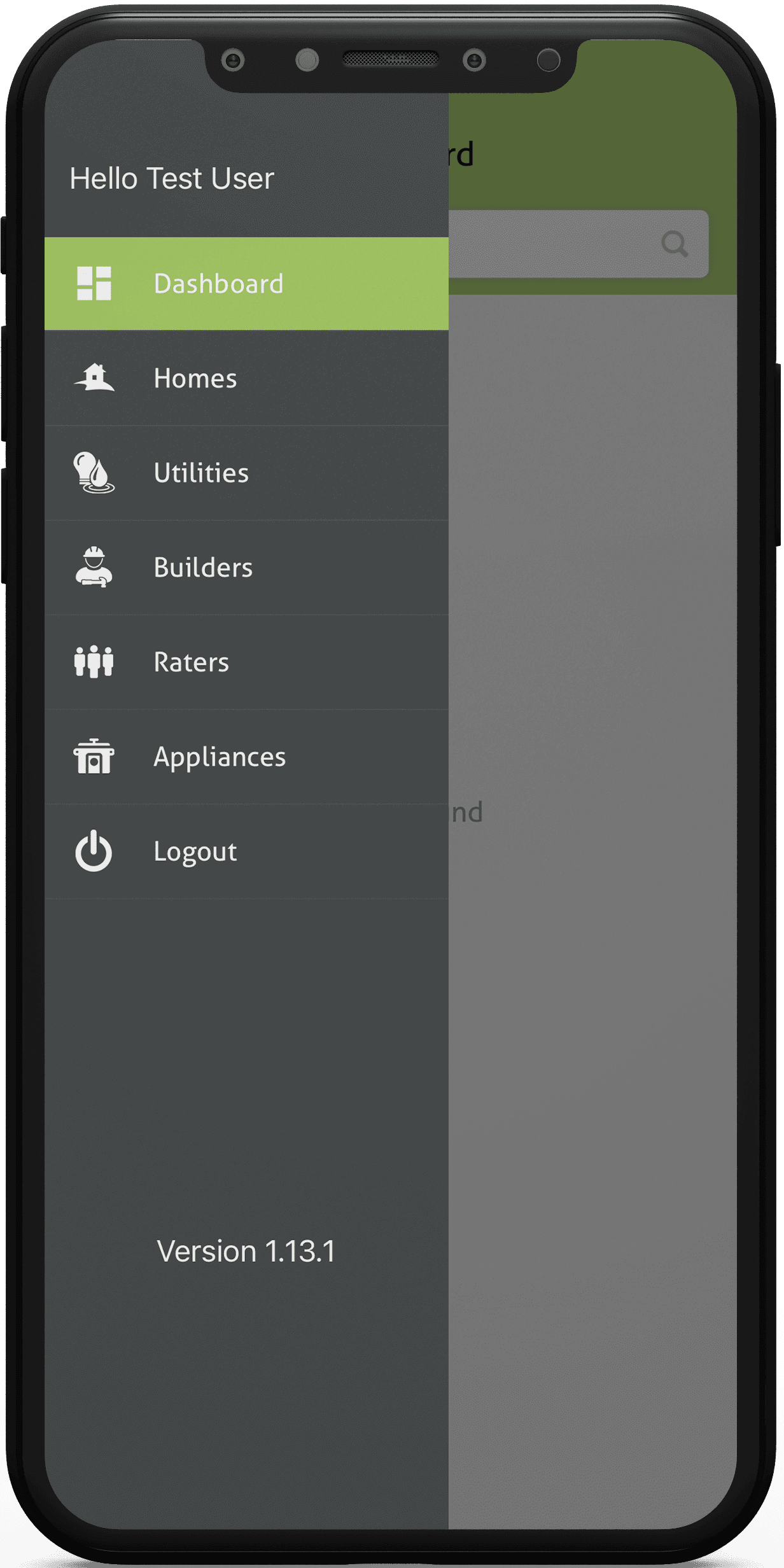
Relational data needs careful design. Builders, communities, plans, jobs and individual readings all link together, and a clean data model makes templates and reports far easier to build.
Security and data ownership matter for client records. Encrypted storage on devices, secure sign-in and the ability to wipe a lost tablet remotely protect both the rating company and its customers.
Tablets are common in the field, so layouts should work on larger screens and in horizontal orientation as well as on phones. Readable text in bright sunlight is easy to overlook in an office demo.
Making the office side easy to manage
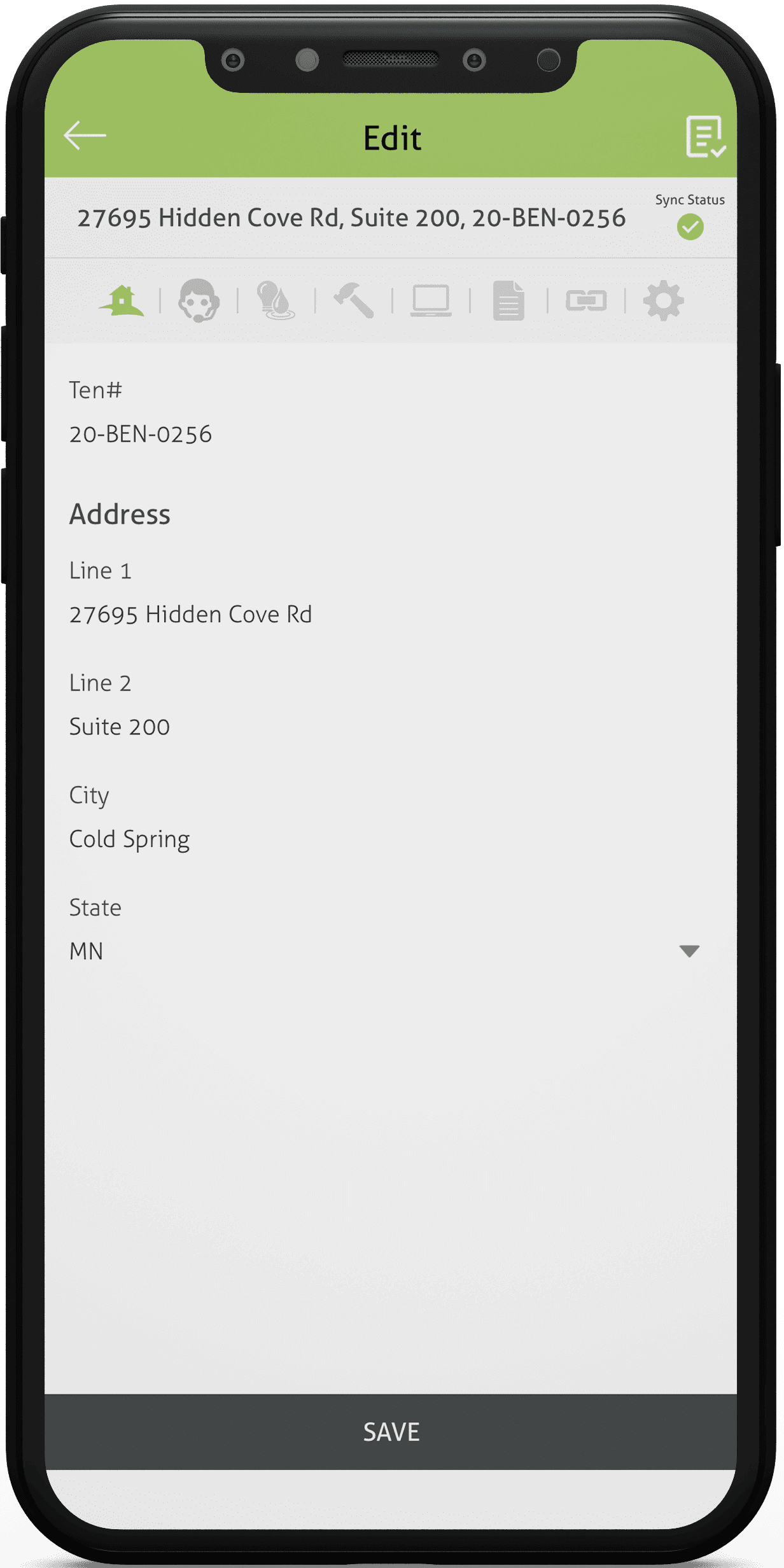
The back office needs a web dashboard as much as raters need the app. Staff assign jobs, edit or delete records, review submissions and manage builder and sponsor relationships from one place.
Editing data after a visit should be simple but tracked. Version history and change notes help reviewers understand why a value moved before a report is signed off.
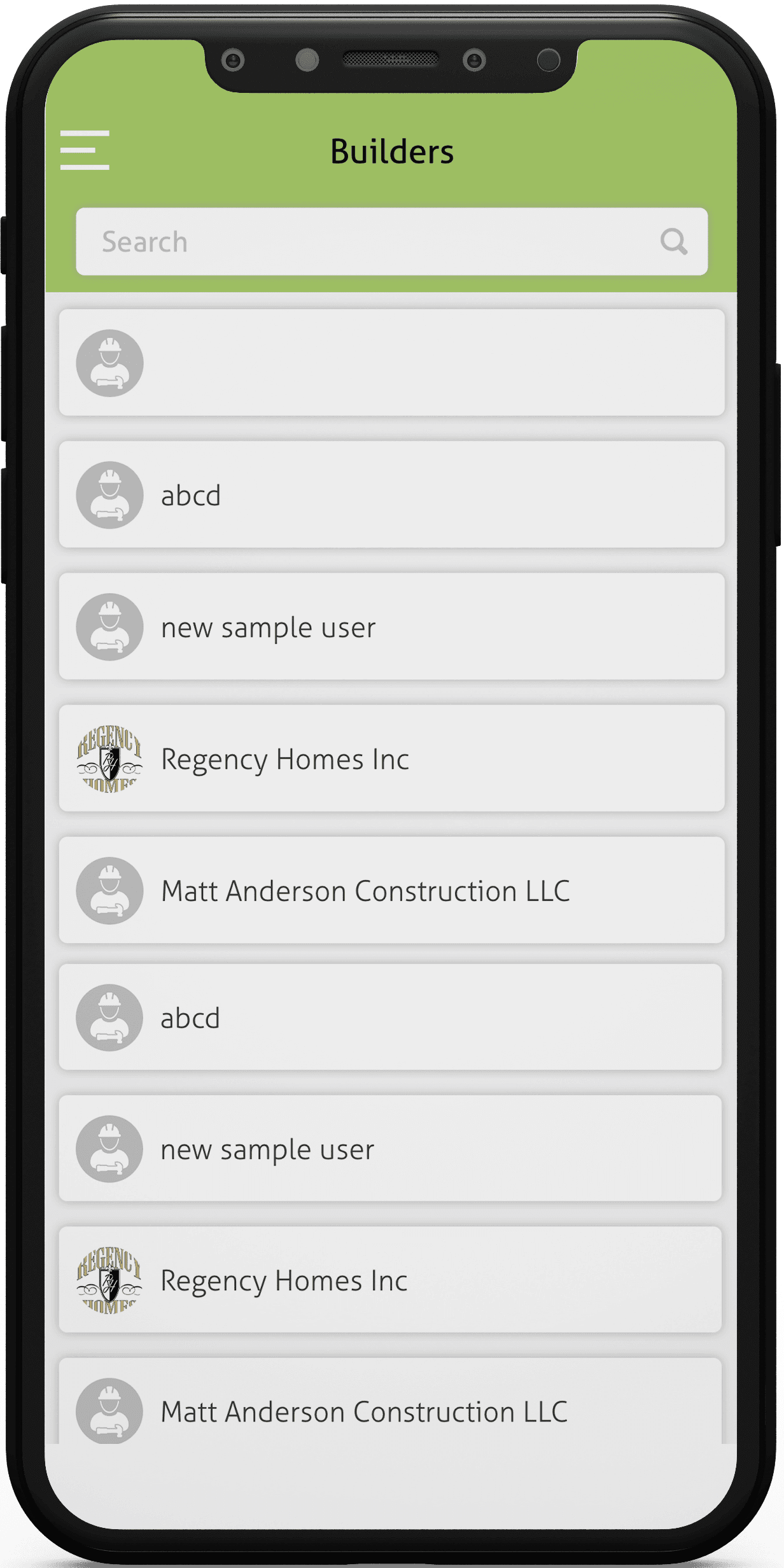
Search and filters by builder, community, date or status keep a growing job list manageable. Bulk actions save time when many homes in one development share the same plan.
Quality checks that save return visits
Validation rules catch the most common mistakes on site: a missing reading, a value outside the expected range or a required photo that was skipped. Flagging these before the rater leaves avoids a second trip.
A short end-of-visit checklist works well too. It lists incomplete sections and lets the rater fix them while still at the property.
Reviewers benefit from side-by-side views of photos and entered values, so they can confirm a reading without calling the rater back.
Choosing a platform and stack
Many rating teams use a mix of iPads and Android tablets, so a cross-platform framework is often a sensible choice. Native builds make more sense when the app must talk to specific testing hardware over Bluetooth.
On the server, a relational database suits this kind of linked data well. A clear API between app and dashboard keeps both sides in step as forms change.
Form definitions are best stored as data rather than hard-coded screens. That way a new field or inspection type can be added by an admin without waiting for an app store release.
Rolling the app out to a rating team
Moving a team from paper or old software takes planning. Running both systems side by side for a few jobs builds confidence and exposes gaps in the new forms.
Importing existing builders, plans and templates on day one makes the app useful immediately. Starting from an empty database is a common reason teams drift back to old habits.
Short training sessions, a printed quick guide and a named contact for questions help raters through the first weeks. Their feedback then shapes the next round of improvements.
Usability for every rater
Rating teams include new hires and people with decades in the trade. Clear labels, consistent icons and help text beside tricky fields let both groups work at their own pace.
Accessibility features such as adjustable text size, strong contrast and voice notes make long days in the field easier. They also help raters who wear gloves or work in poor light.
Keeping the number of taps per reading low is one of the simplest ways to save time across hundreds of inspections a year.
Reports and sharing results
The end product of an inspection is usually a report for a builder, homeowner or programme. Generating it straight from collected data removes copy-paste errors and saves office time.
Branded PDF exports, shareable links and scheduled summaries for builders are common requests. Planning report layouts early helps decide which fields the app must capture.
What to plan before you build
- Workflows: map the exact steps of each inspection type before designing a single screen.
- Data model: list every form field, unit and dependency, and decide which are required on site.
- MVP scope: job lists, forms, photos and offline sync first; advanced reporting and integrations can follow.
- Budget tier: a focused app for one inspection type, a mid-size platform with templates and dashboards, or a larger system with many integrations.
- Timeline factors: number of form types, offline sync complexity, integrations and device testing.
- After launch: form updates when standards change, OS updates, sync monitoring and support for new raters.
Field testing with real raters on real homes is worth every hour. They quickly show which fields slow them down and which shortcuts they would use every day.
Planning something similar?
EchoInnovate IT has 12+ years of experience and a team of 50+ people building data-heavy business apps. Our mobile app development and custom software development teams can turn your inspection process into a field app and web dashboard. Tell us about your workflow on a short scoping call, and you’ll get a fixed quote back.