Results
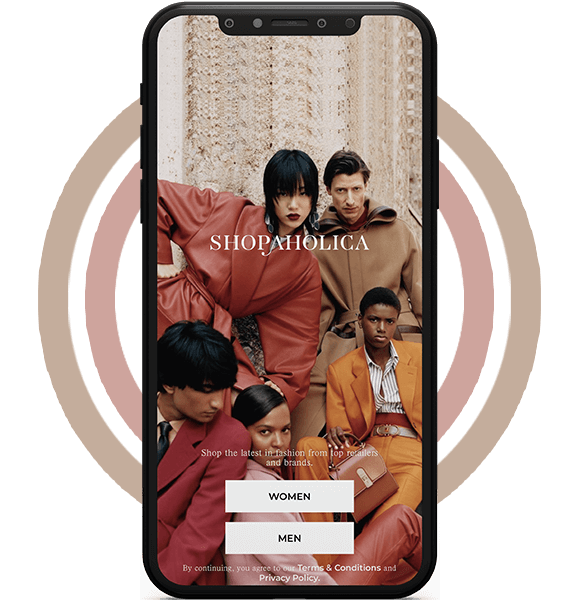
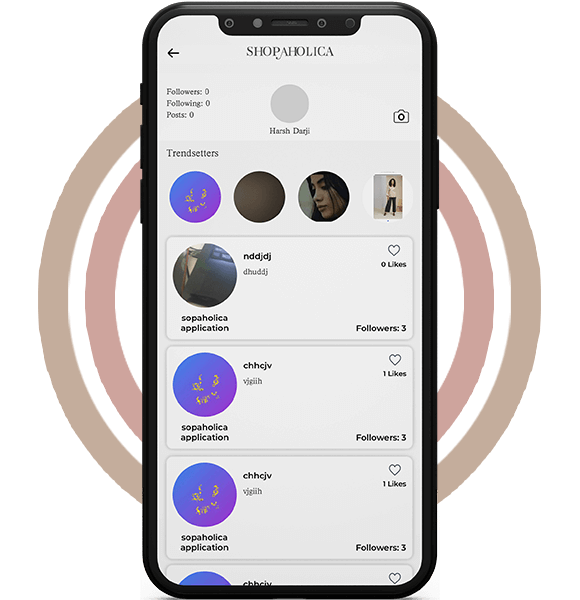
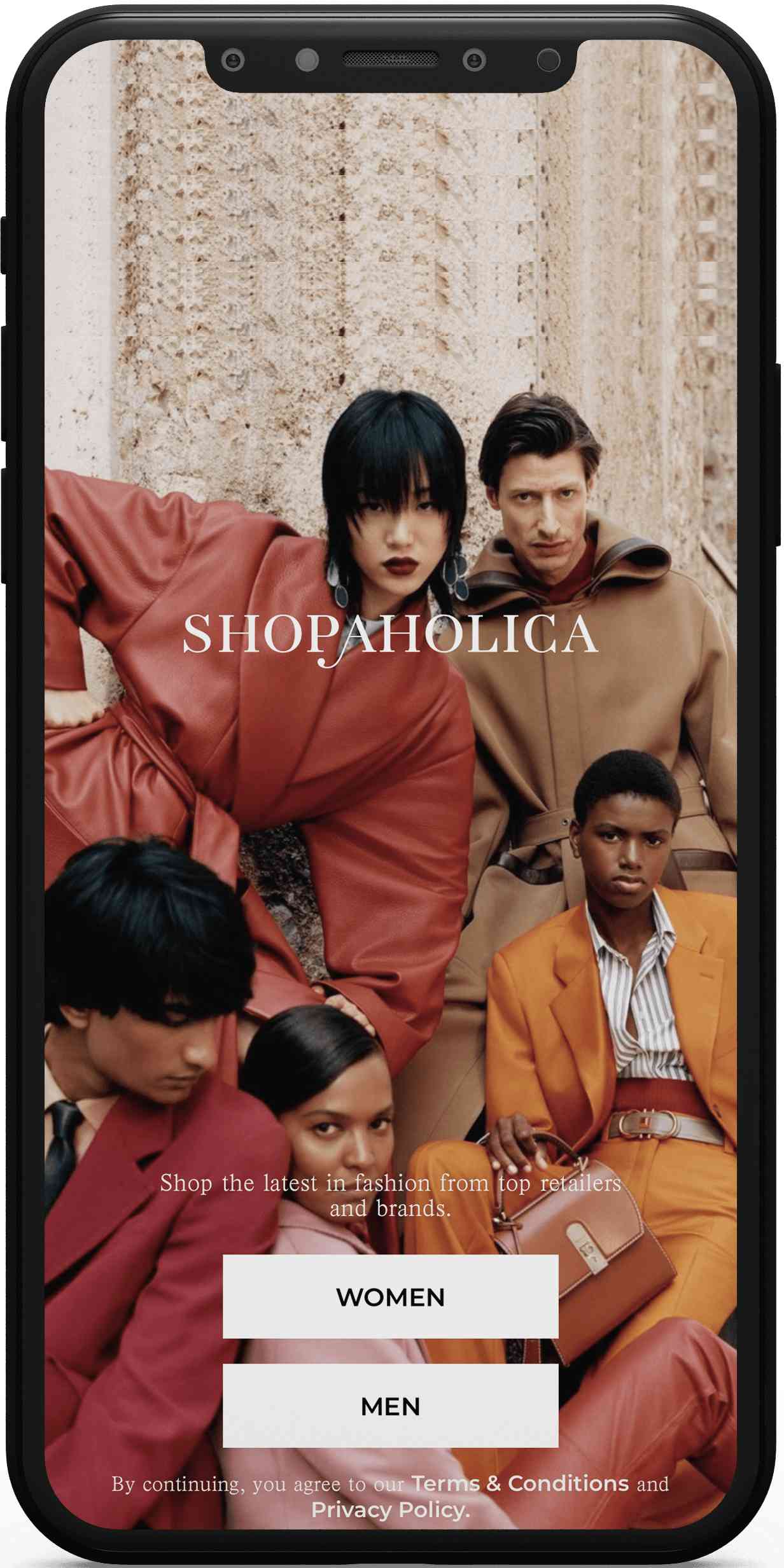
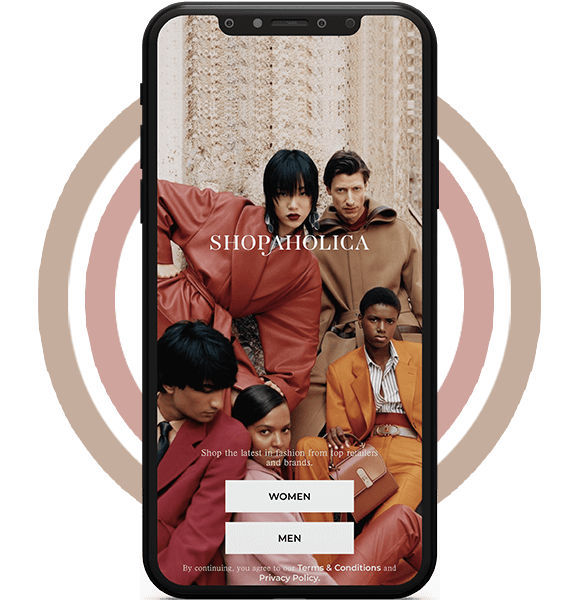
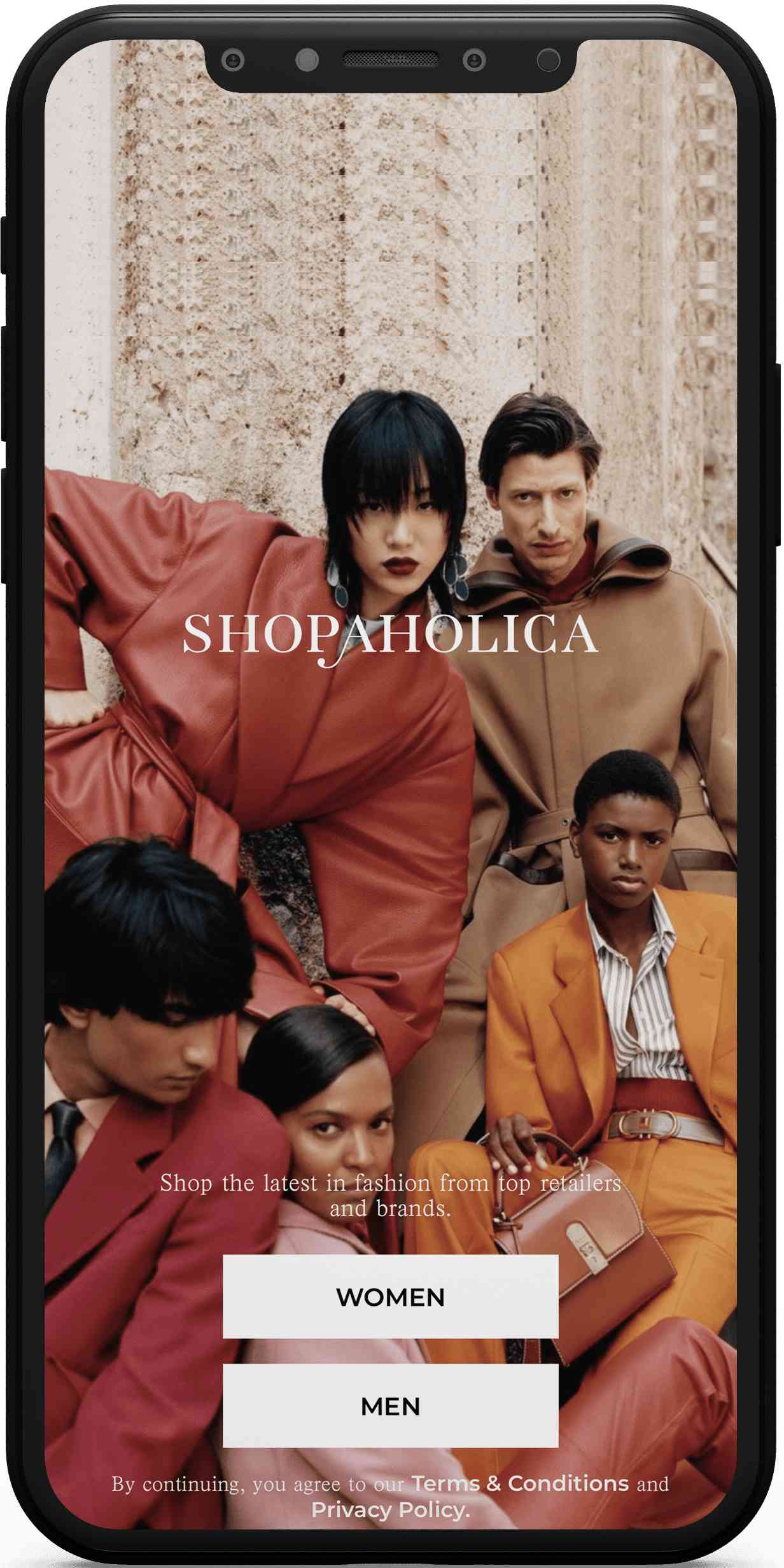
This is a new up and coming app in the online shopping industry. It simply gives more options to the people to shop from. With trendy and popular designs, this app is useful for the teenagers and youngsters.
What shoppers expect from a fashion app
Fashion buyers browse far more than they buy. A good shopping app makes that browsing pleasant, with sharp photos, quick filters and a cart that remembers what they liked last week.
Young shoppers in particular compare prices, follow trends and expect delivery updates without asking. If tracking is vague or checkout is clumsy, they simply finish the order somewhere else.
Features a fashion shopping app usually needs
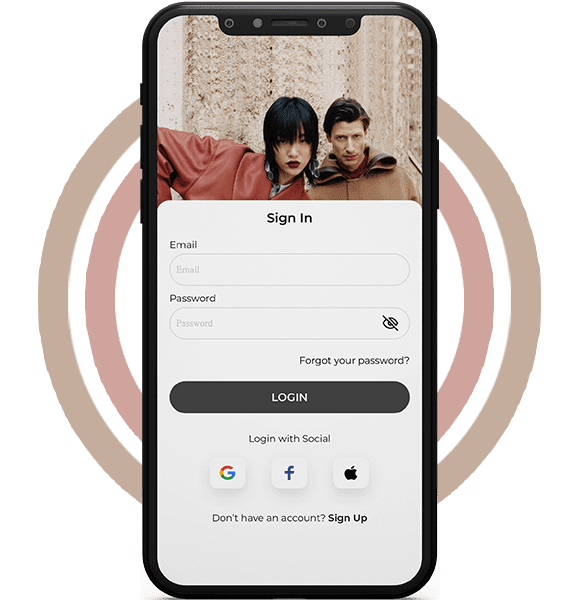
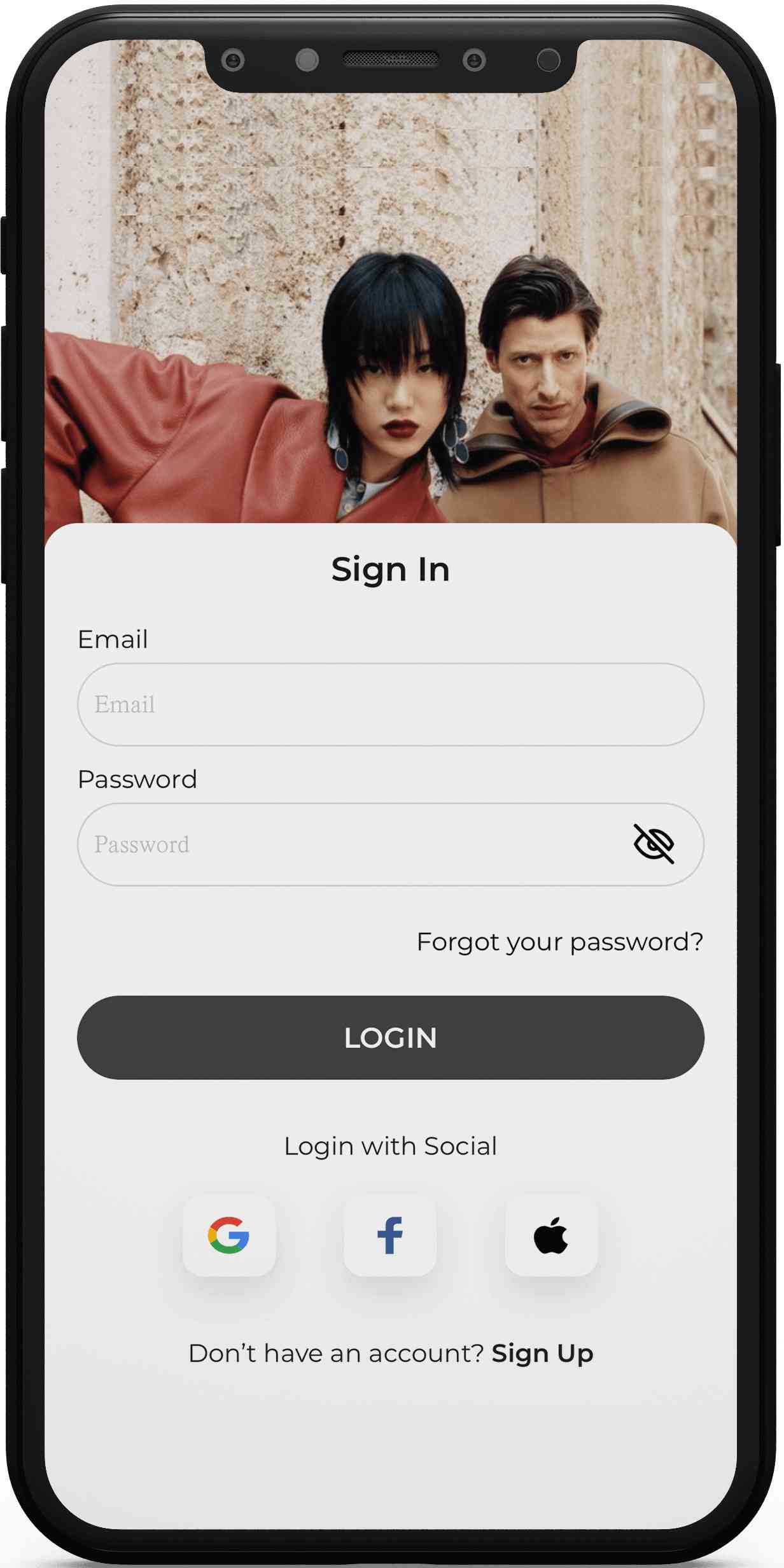
- Quick sign-up with email or social login, plus saved addresses for faster checkout next time.
- Clear category trees such as men, women, tops, bottoms and accessories, so people reach the right rack fast.
- Filters for size, colour, price range, brand and fit, which matter more in clothing than in most other categories.
- Large zoomable product photos, size guides and fabric details to cut down on returns.
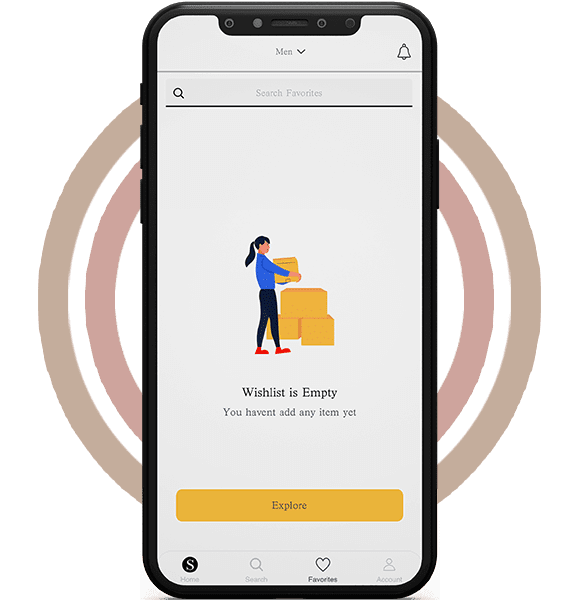
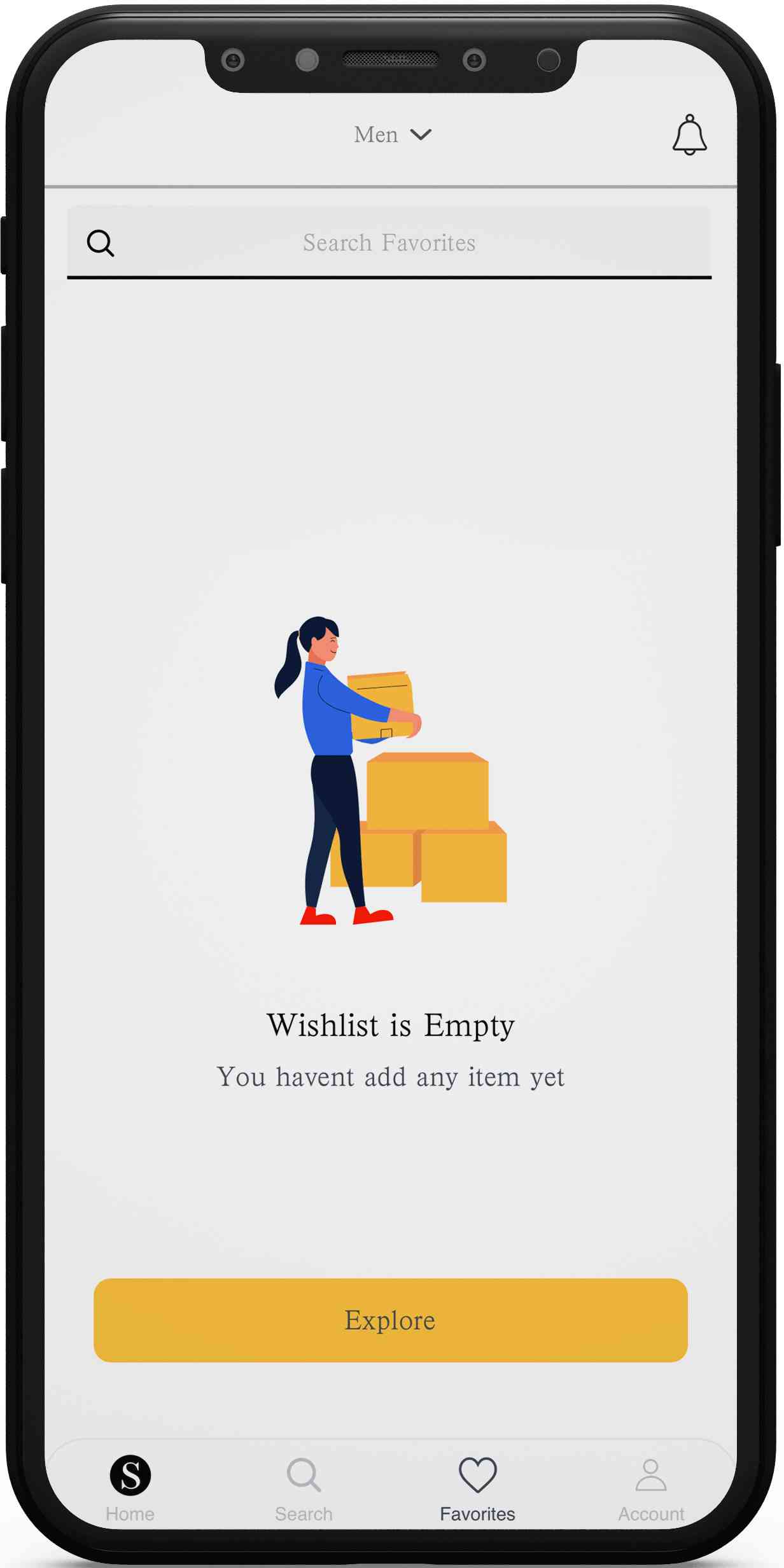
- Wishlists and favourites that sync across devices, turning casual browsing into later sales.
- A short checkout with several payment options and a clear order summary before payment.
- Order tracking with status steps and alerts by push, email or SMS from confirmation to delivery.
- Easy returns and exchanges started from the order screen, with a clear policy shown upfront.
- Search with spelling tolerance and suggestions, because shoppers rarely type product names exactly.
Build considerations for a retail app
Most fashion brands launch on both iOS and Android, often alongside a web store that shares the same catalogue. Using one backend and product database for all channels keeps prices and stock in step.
Image performance makes or breaks the experience. Resized images for each screen size, lazy loading and a content delivery network keep product grids fast even on mobile data.
Payments need a trusted gateway and compliant handling of card data. Most teams avoid storing card details themselves and rely on tokenised payments from the provider.
Stock, orders and shipping usually connect to other systems: an inventory tool, a courier service and an accounting package. Planning these integrations early avoids manual updates later.
Running the store day to day
Merchandising teams need an admin panel that lets them add products, change prices, schedule sales and update banners without a developer. Bulk upload by spreadsheet saves hours when a new collection lands.
Order management should show every status in one place, from paid to packed, shipped, delivered or returned. Support staff can then answer customer questions quickly.
Simple reports on best sellers, abandoned carts and return reasons help the team decide what to stock and which pages need work.
Keeping shoppers coming back
Retention in fashion comes from relevance. Notifications about restocks in a saved size, price drops on a wishlist item or a new drop from a favourite brand feel useful rather than noisy.
Loyalty points, referral codes and early access to sales give regular buyers a reason to open the app instead of a search engine.
Personalised recommendations based on browsing and past orders can start simple, such as “similar items” and “complete the look”, before any advanced model is needed.
Design choices that help clothes sell
Product pages work best when the photo carries the page. Several angles, a close-up of the fabric and a shot on a model give shoppers the confidence a fitting room normally would.
Size is the biggest reason for returns in clothing. A clear size chart, fit notes such as “runs small” and reviews that mention height and size help people choose right the first time.
Navigation should stay shallow. Two or three taps from the home screen to a product list keeps browsing quick, especially on smaller phones.
Dark mode, readable price labels and clear sale tags are small details that make long browsing sessions more comfortable.
Testing a shopping app before launch
Checkout deserves the most testing time. Every payment method, coupon rule and address format should be tried on real devices, because a broken step here costs sales directly.
Notification flows need checks too. Each order status should trigger the right message once, with the correct tracking link, in every channel the shopper chose.
A short soft launch with a limited audience helps spot slow screens and confusing steps before a big sale or marketing campaign brings heavy traffic.
What to plan before development
- Catalogue: how many products, variants and categories you start with, and who maintains the photos and descriptions.
- MVP scope: browsing, cart, checkout and tracking first; social features, styling tools or live shopping later.
- Integrations: payment gateway, couriers, inventory and email or SMS providers.
- Budget tier: a lean single-brand store, a mid-size app with loyalty and personalisation, or a larger multi-vendor marketplace.
- Timeline factors: number of platforms, custom design, integrations and store review.
- After launch: seasonal content updates, OS updates, performance monitoring and regular checkout testing.
Ownership should be clear from day one: the code, the store accounts, the payment setup and the customer data all belong to the brand, not the agency.
Start with the paths most shoppers take, from home to product to checkout, and polish them first. Extra features land better once those basics feel quick and reliable.
Security reviews before each major sale are worth the time. Checking logins, admin access and payment settings protects both shoppers and the brand during busy periods.
Planning something similar?
EchoInnovate IT has delivered 500+ products and has a team of 50+ people. We design and build shopping apps and online stores through our ecommerce app development and Shopify development services. A short scoping call comes first, so we can understand your catalogue and send a fixed quote.