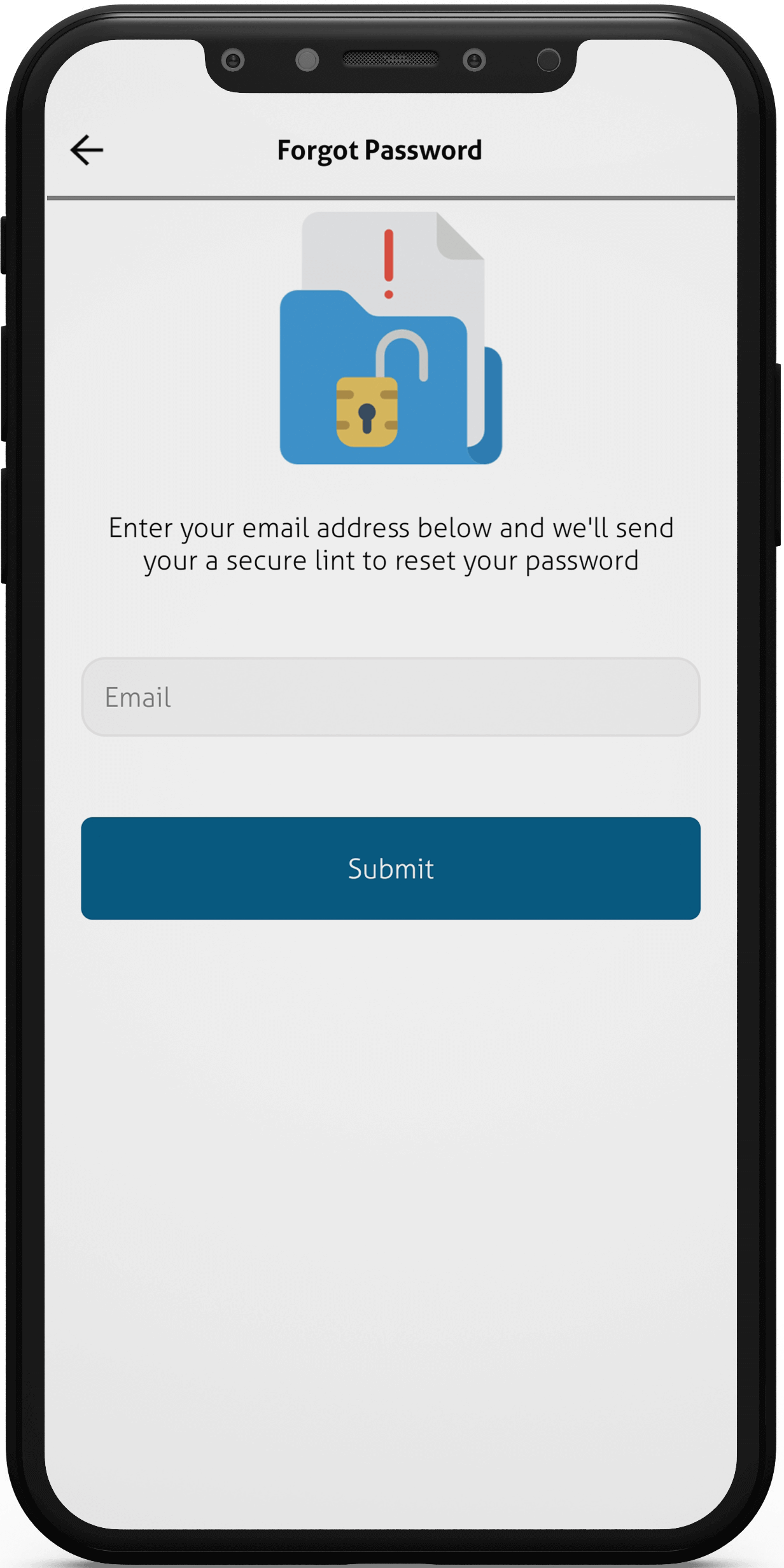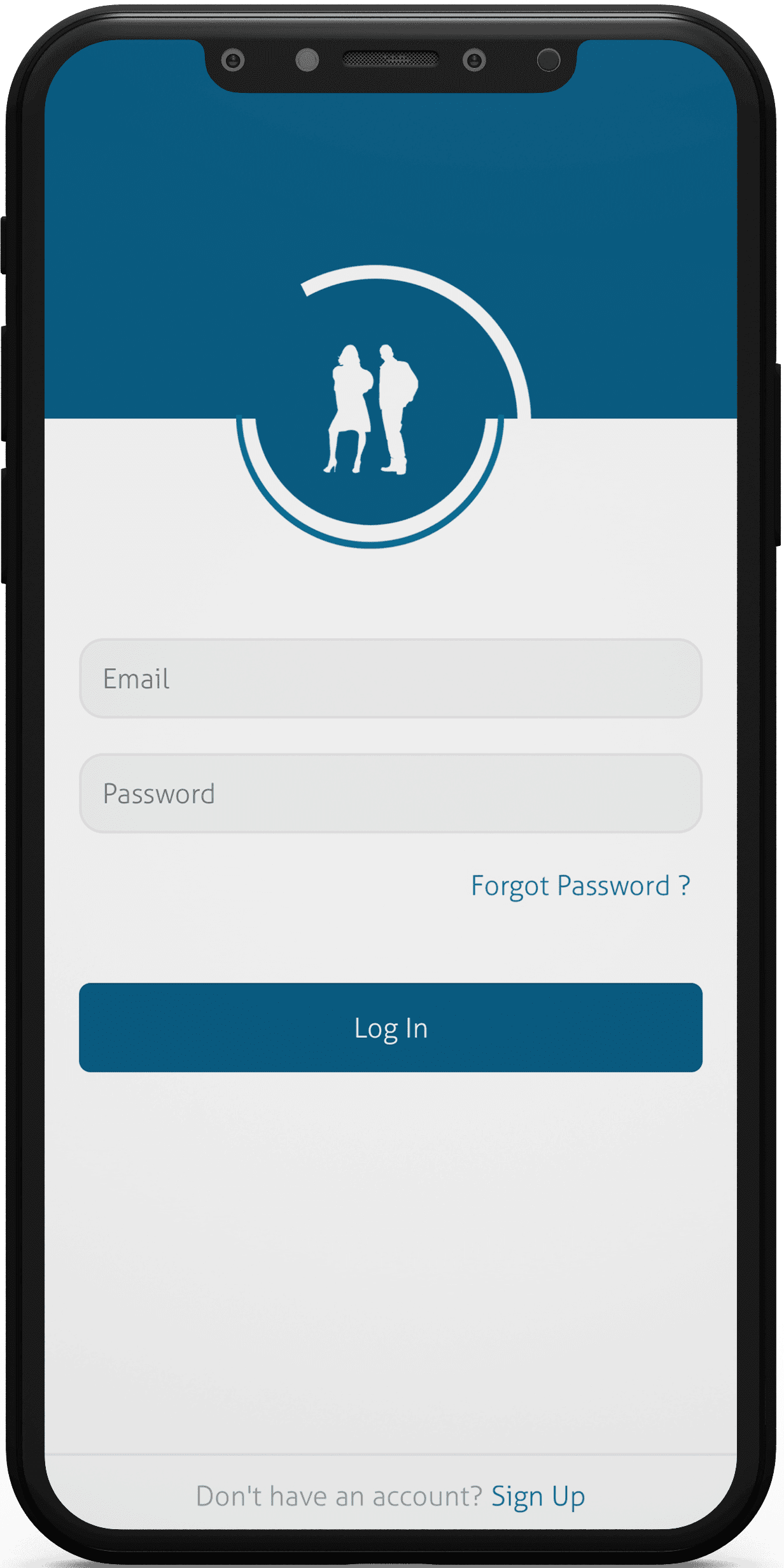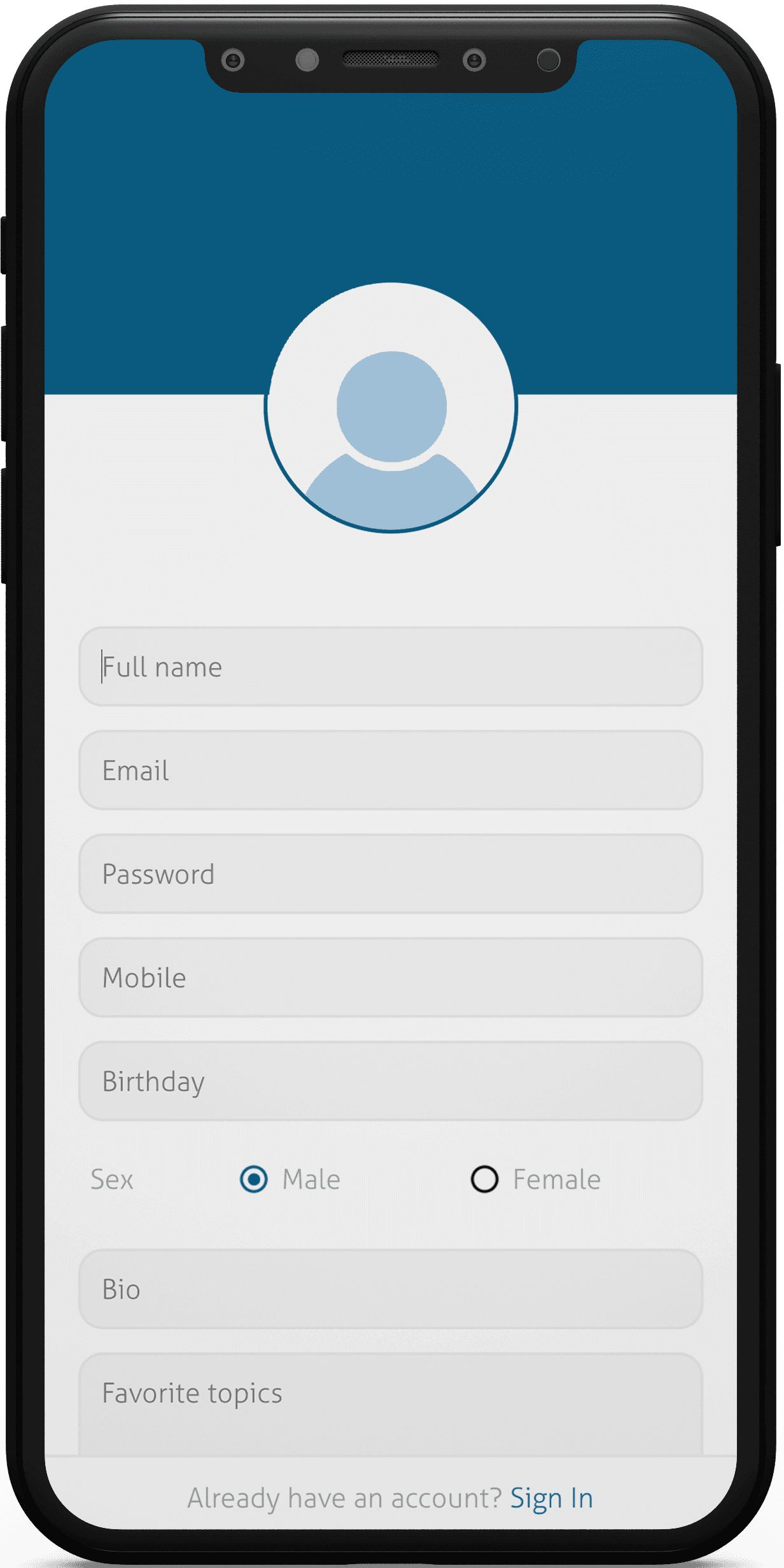

What’s best is one of its kind mobile applications. The concept of this photo and video sharing app solution is very unique where it allows the users to get reviews on images and videos from kids around the world. We all know that kids share their views without any filters and that is why the app helps users to get true reviews.

The client wanted a content sharing application that can be easy to use and interact for every age group. The What’s Best app will be used by kids of age 7 years and adults of age 65+ years. Also as the users are going to add images and videos on the application; the speed of the app has to be maintained.
User-Friendly UI/UX design and Information update was in Client’s Specific needs as the audience were in wide Age range
Users of various ages are part of the application’s large target audience. Our goal was to ensure that the app was simple to use and engaging for every user, which proved to be a challenge.
Another challenge for us was to make sure the app users are able to design their Digital Business Cards in the mobile app easily.
The most crucial course of action we took for What’s Best was to research the client’s target market and comprehend what they expected from an application. We began developing the mobile app’s user interface and user experience after we had a clear understanding of who would be using it.
We made sure that with the right research and tools, all the functionality requirements were met
Our development team made sure that the app users could receive every change in real time by integrating real-time data capabilities. The most recent news and pictures will be displayed whenever you open the app.
The images and videos are categorized in the application that can help the users to find the right data as per their likes and dislikes.
The client loved the user interface of the application and the features that are added in the Social Media app for Kids. There are thousands of users of What’s best and everyone is loving the concept. Moreover; we are constantly updating the app as per the reviews from the users.
We started the development process with an application discovery workshop. Our cross-functional team, business analysts and developers spent 5-6 days understanding the vision of the client. After that they decided which features are required to deliver the objective of our client via the mobile application.
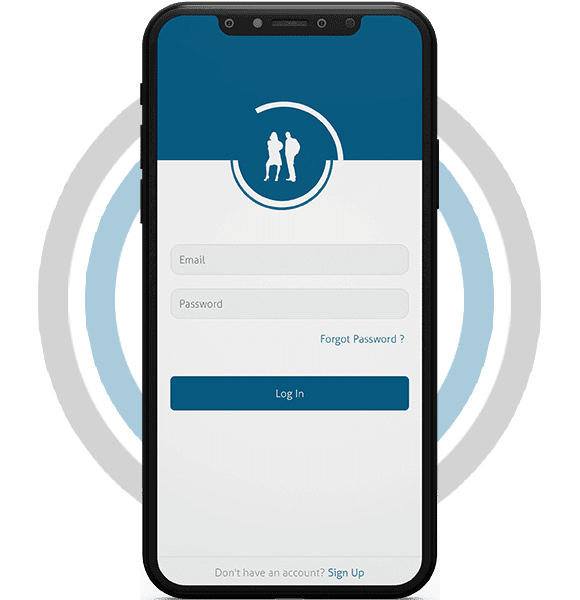
In the second phase we created the photo sharing app design that helped us to understand the direction of our planning and expectation of the client. We shared the design sprint to the client and based on their suggestions we finalized the design of the application.
Once the design was ready; we started working on the frontend and backend app development instantly. The project manager was in constant touch with the client throughout the ap development process to make sure the client is updated with the progress.
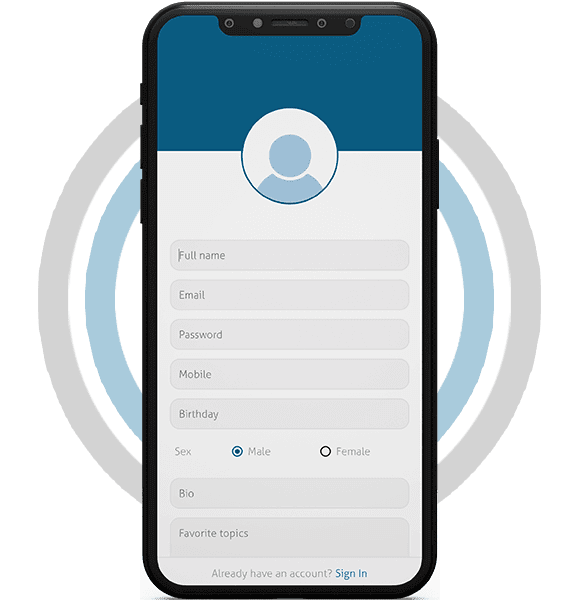
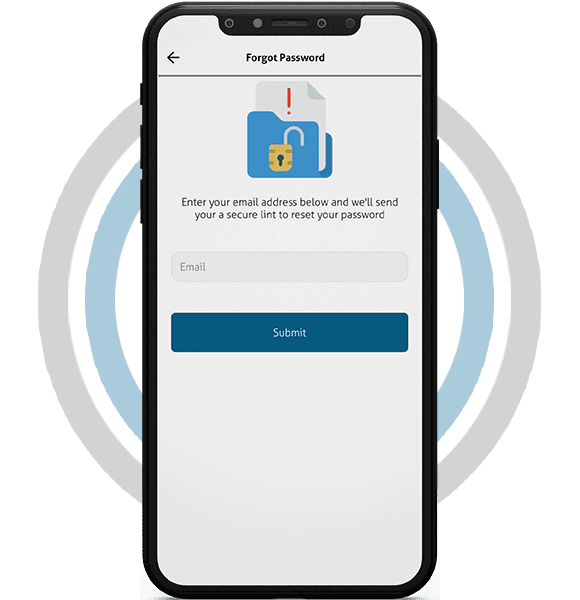
The testing team was also working simultaneously with the photo sharing app developers once the application was tested completely we delivered it with the code to the client
What photo and video sharing apps usually need
A sharing app lives or dies on how quickly someone can post a picture and get a reaction back. When the audience runs from young children to grandparents, every screen has to suit small hands and tired eyes alike. That means large tap targets, icons with text labels and very few steps between opening the app and sharing.
Trust matters as much as speed. Parents want to know exactly who can see a child’s posts, and older users want privacy settings they can find without help. An app in this category earns daily visits when it feels safe, simple and a little rewarding each time it opens.
Feedback is the other half of the loop. Star ratings, quick reactions and short comments give people a reason to come back and see what others thought. The trick is to keep that feedback kind and easy to manage, so nobody feels judged by strangers.
Features a sharing app like this typically includes
Build considerations for a social app that serves every age group
Most teams pick between separate native iOS and Android builds or one cross-platform codebase. Native code gives the smoothest camera and gallery handling, while a shared codebase keeps both stores in step with less effort. Either way, heavy video processing belongs on the server so phones don’t struggle with large files.
Live chat and rating counts need a backend designed for many small updates arriving at once. A content delivery network plus several resized versions of each image keeps feeds quick as the library grows. Storage bills rise with every upload, so set sensible limits on file size and clip length early.
Security and privacy deserve their own line in the plan. Encrypt data in transit, keep media in private storage behind signed links and log every moderation action. If children can sign up, check the privacy rules in each market you launch in, including how parental consent is collected and kept.
Accessibility helps every age group, not only older users. Readable type, strong colour contrast, captions on video and screen-reader labels on buttons make the app easier for everyone. It also cuts support requests from people who simply couldn’t find a feature.
Store launch needs its own checklist. Listings want clear screenshots, an honest age rating and a privacy policy that matches what the app really collects. Leave time for review feedback from both stores, since apps with user-generated content often get extra questions.
What to plan before you start
Keeping a shared feed friendly for kids and adults
Moderation works best in layers. Automatic checks can hold back obvious problems, while people on the team review anything that gets reported. Clear rules shown at sign-up set expectations before anyone posts.
Defaults do a lot of quiet work. Private profiles for younger users, friends-only chat and limited public comments reduce risk without extra effort from parents. Adults can open their settings up if they want a wider audience.
Ratings need a gentle design too. Showing an average score rather than every single low mark keeps feedback useful without stinging. Letting creators hide comments on their own posts gives them a sense of control.
Measuring how the app is doing after launch
Review these numbers every couple of weeks in the early months. Small changes, such as a clearer upload button or a friendlier first-run screen, often move them more than big new features.
User interviews add the context numbers miss. A short chat with a parent, a teenager and an older user will often reveal confusing wording or a missing control. Rotate who you talk to, since each age group notices different things.
Planning something similar?
EchoInnovate IT designs and builds content sharing apps for iOS and Android, backed by 12+ years of delivery and a team of 50+ people. See our mobile app development and UI/UX design services. If it helps, we can talk your idea through on a brief call and then send a fixed quote for the build.